

How to request upfront booking deposits
This guide steps through how to request upfront booking deposits for online bookings.
Prerequisites: You must have Stripe setup to accept online booking deposits. Refer to the following guide
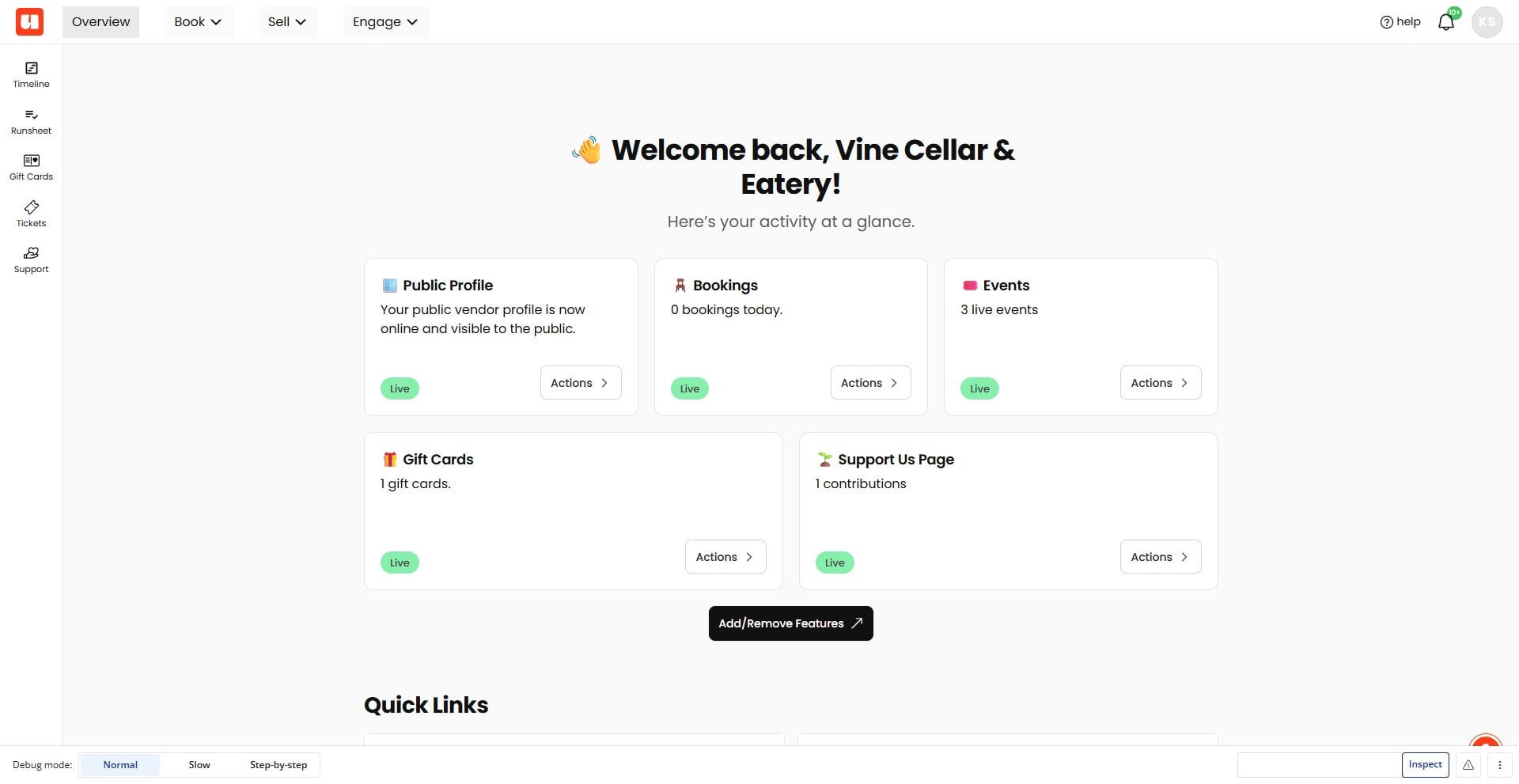
Click Book in the top navigation
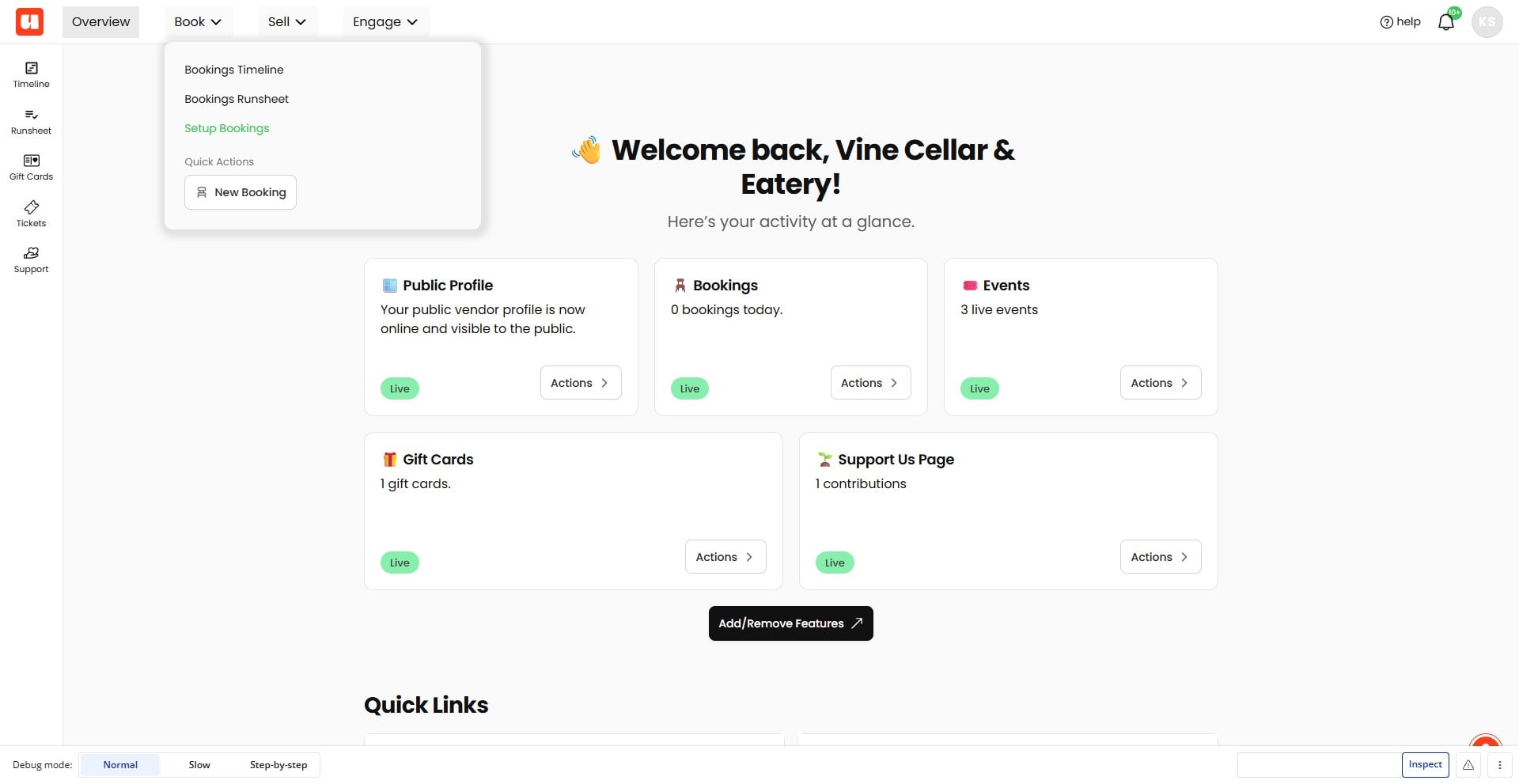
Choose Set up Bookings from the Book menu
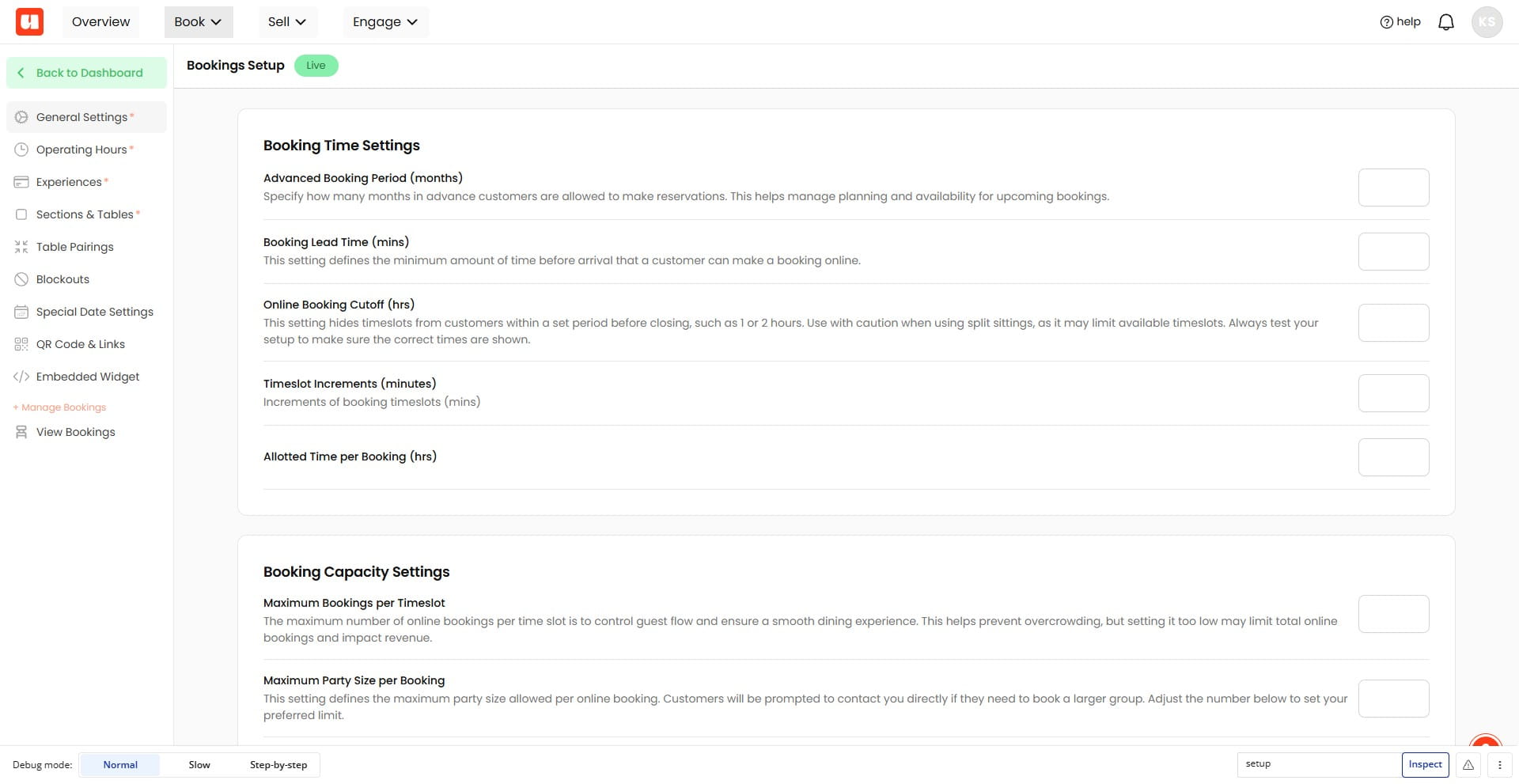
Select General Settings from the bookings setup sidebar
Scroll to Payment Settings. Then, open the Deposit Type dropdown and select Upfront Payment
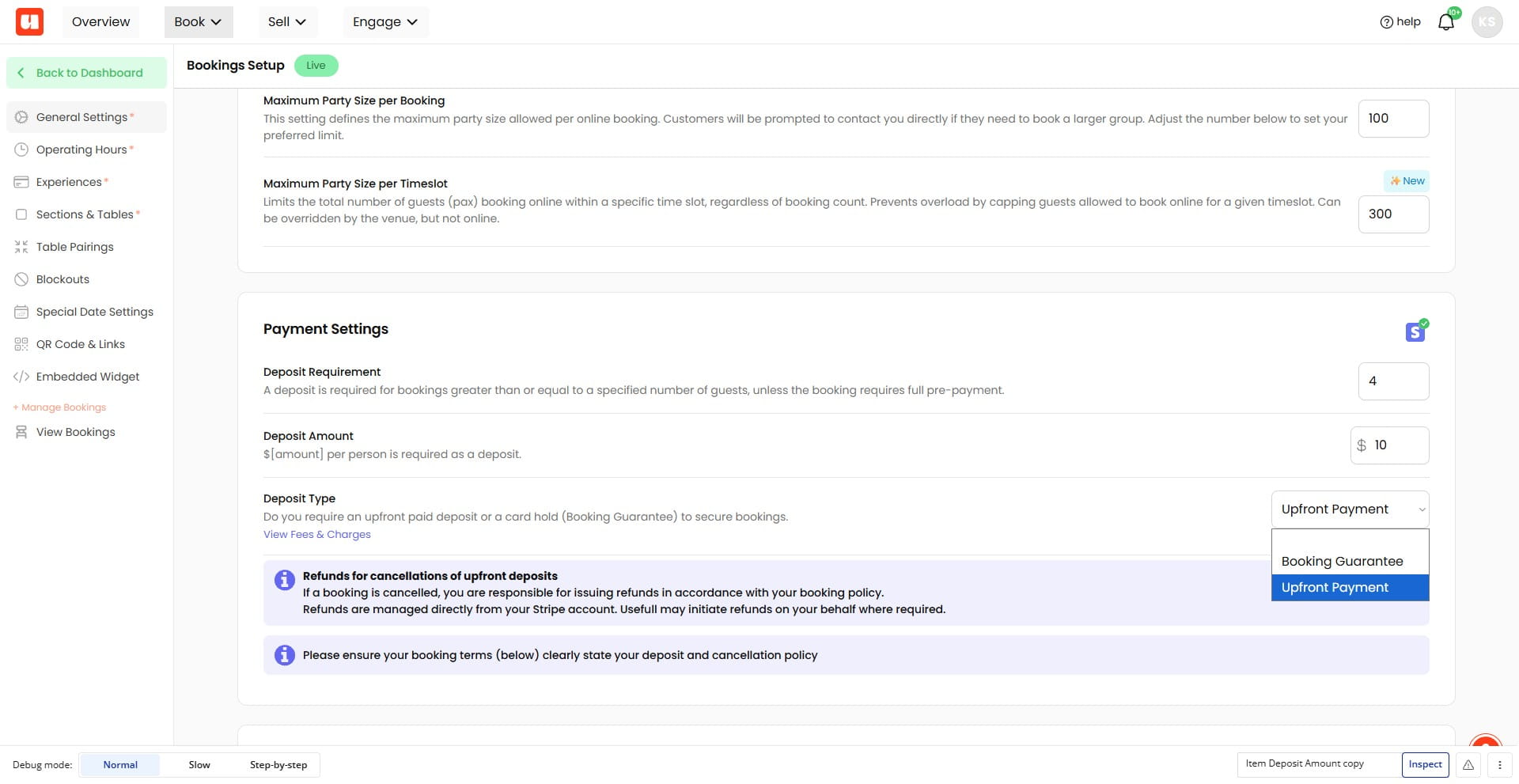
Enter the deposit requirement number of guests. Any online booking that has this or greater number of guests will be prompted to pay an upfront deposit.
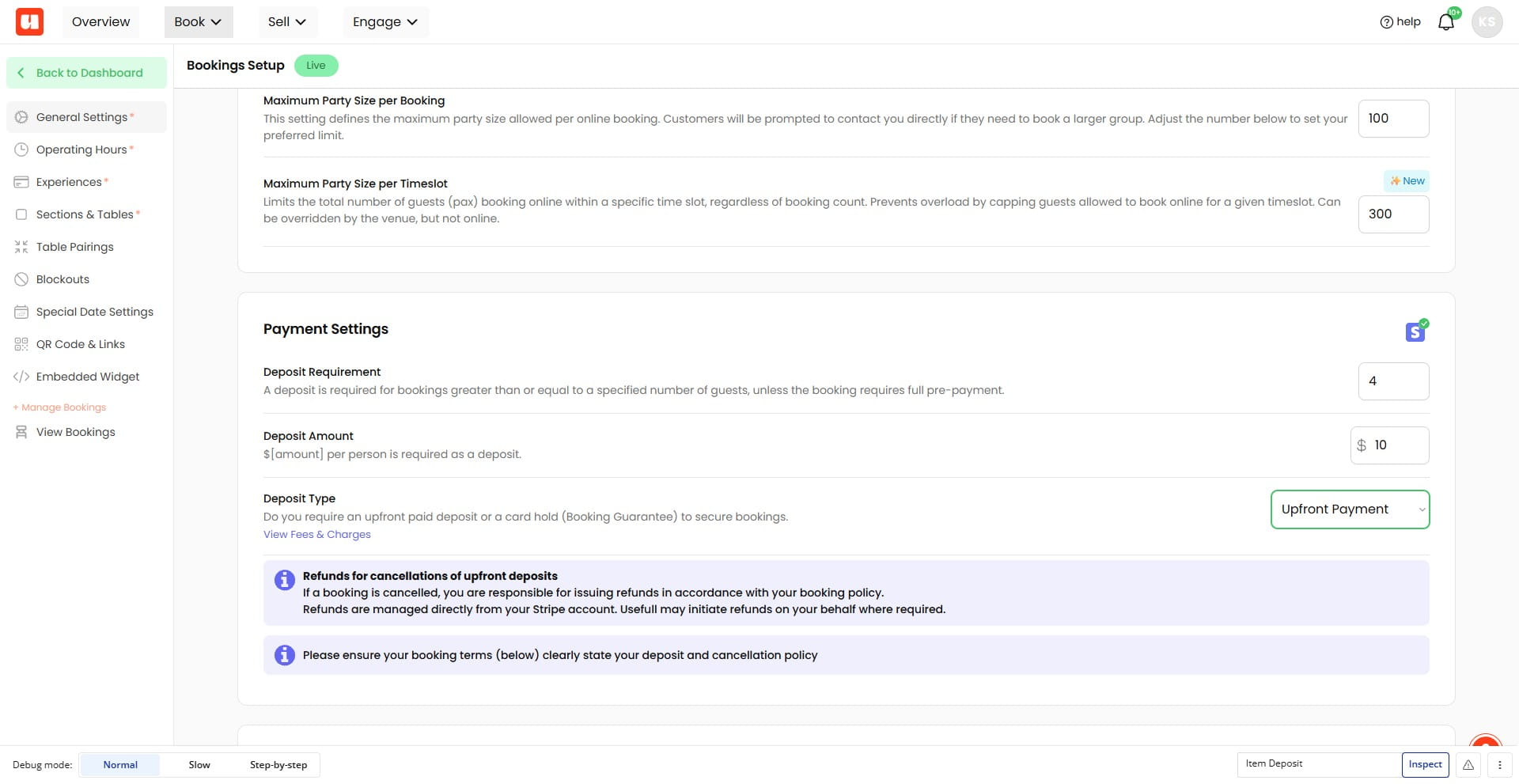
Enter a Deposit Amount (per person). In this example we are requesting $10 per person for online bookings with 4 or more guests.
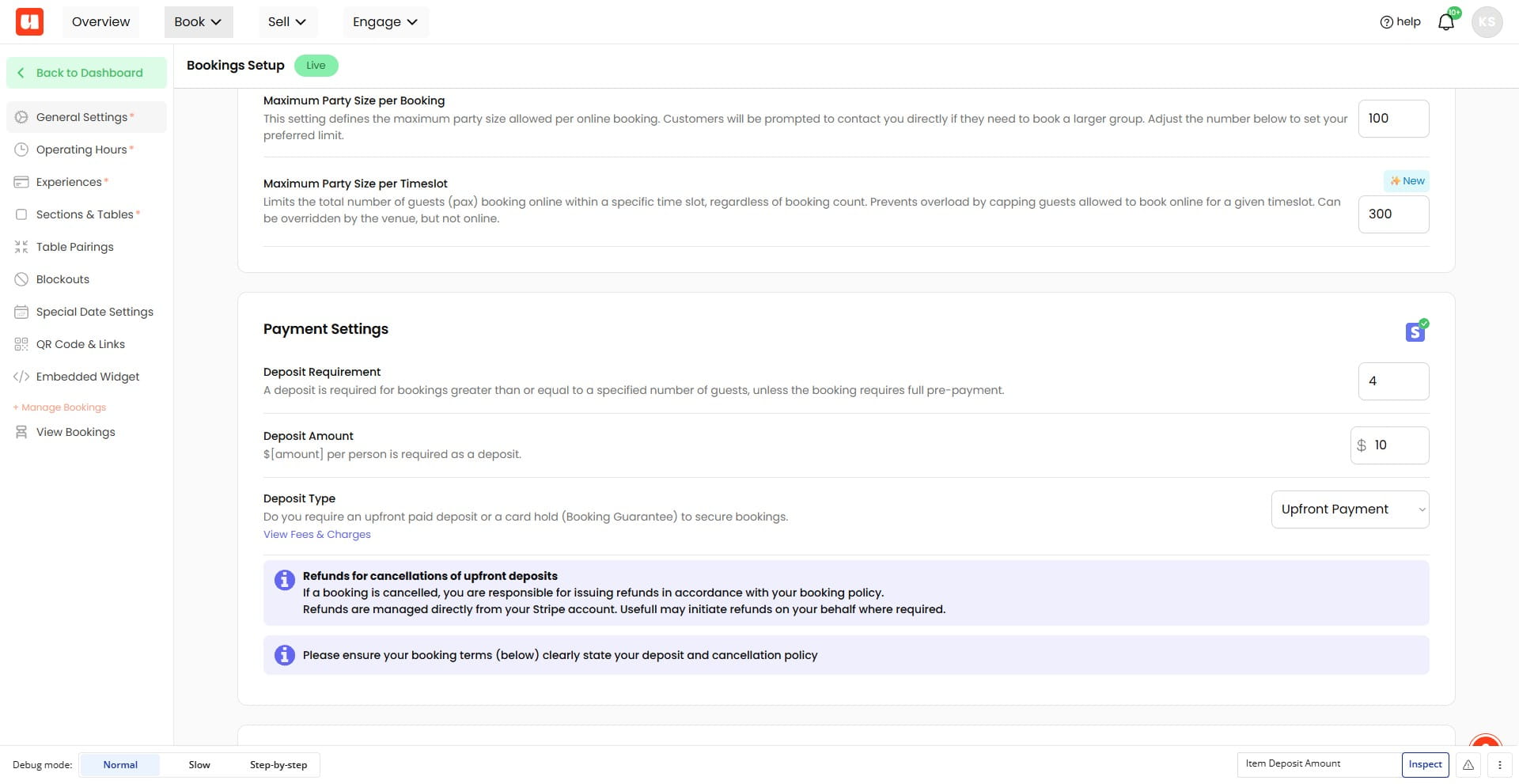
Please take note of the fees and charges for upfront payments (1.7% + 30cents for Australian cards).
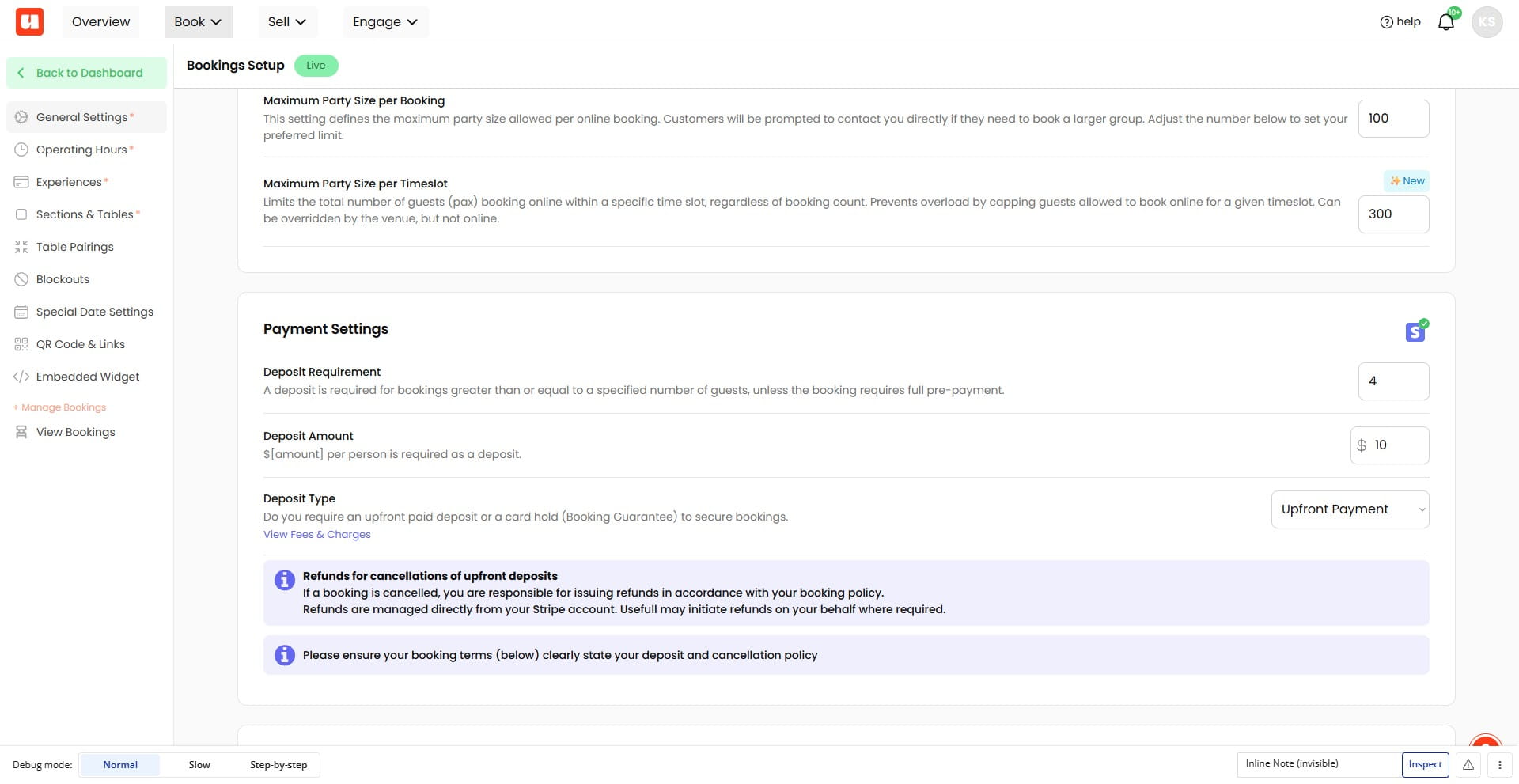
And the refund-policy information note beneath Deposit Type
Frequently Asked Questions
- What does **Upfront Payment** do?
It prompts online bookings to pay an upfront deposit when the booking has the required number of guests or more.
- Do I need Stripe to accept upfront booking deposits?
Yes. Stripe must be set up to accept online booking deposits.
- What fees apply to upfront payments?
Australian cards are charged 1.7% plus 30 cents for upfront payments.