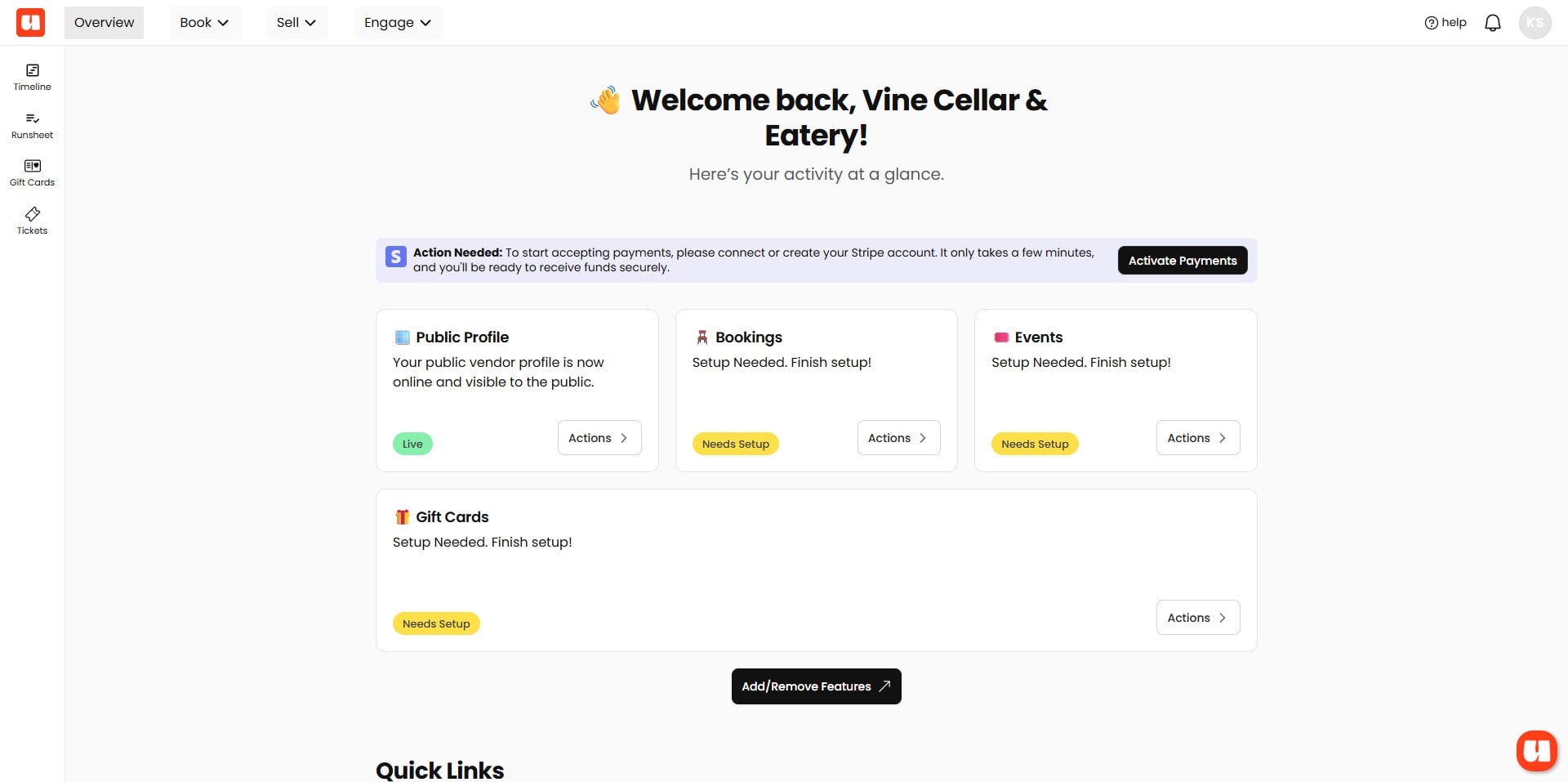
Navigating the Dashboard
Overview of the main dashboard and how to access different features.
Tip! Usefull is centered around three core functions: Book, Sell, and Engage. We've designed the dashboard to keep options streamlined and user-friendly. To maintain simplicity, Management and Setup features are kept separate from the core functions, as well as from platform-wide settings. This helps you focus on your key tasks without distraction.
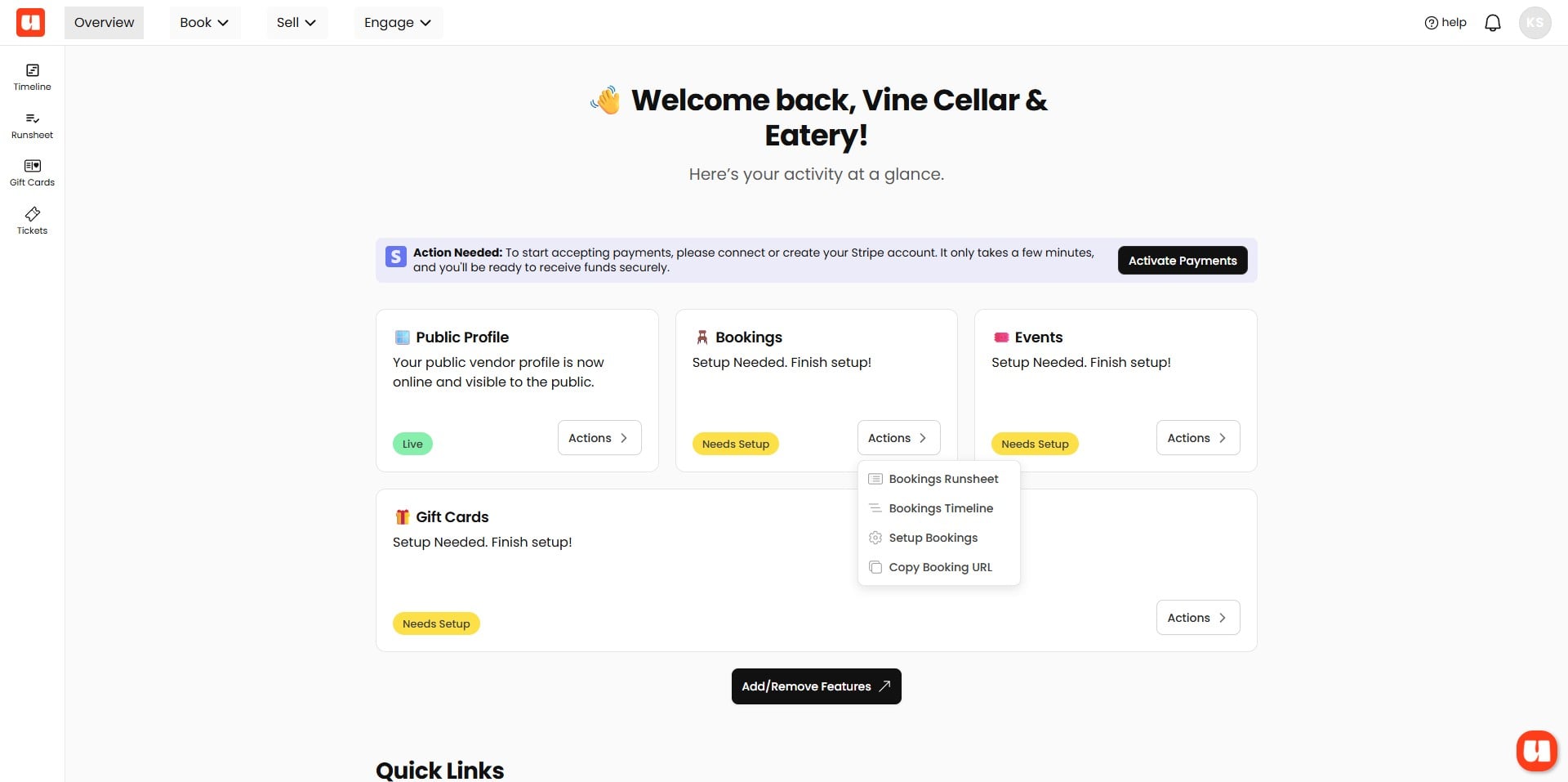
This is your main overview page — the first page you’ll see when you log in. From here, you can easily navigate to all areas of your dashboard, including settings and booking management, giving you quick access to everything you need.
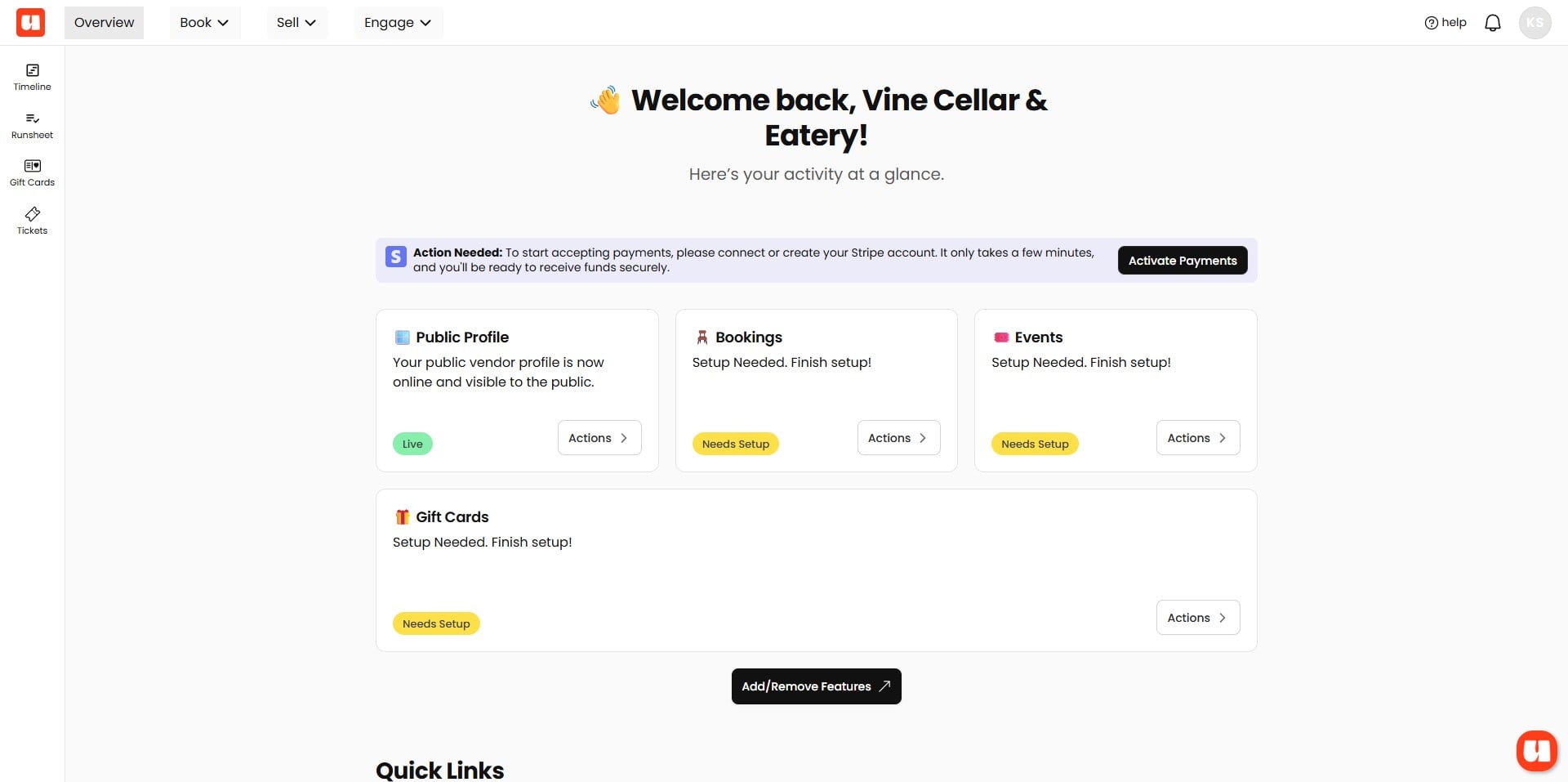
On the left side of your main Management window, you’ll find your menu options. These options will vary depending on the features you have enabled, such as Bookings, Event Ticketing, Support Pages, and more. Use these menu items when managing bookings, gift cards, and other related tasks.
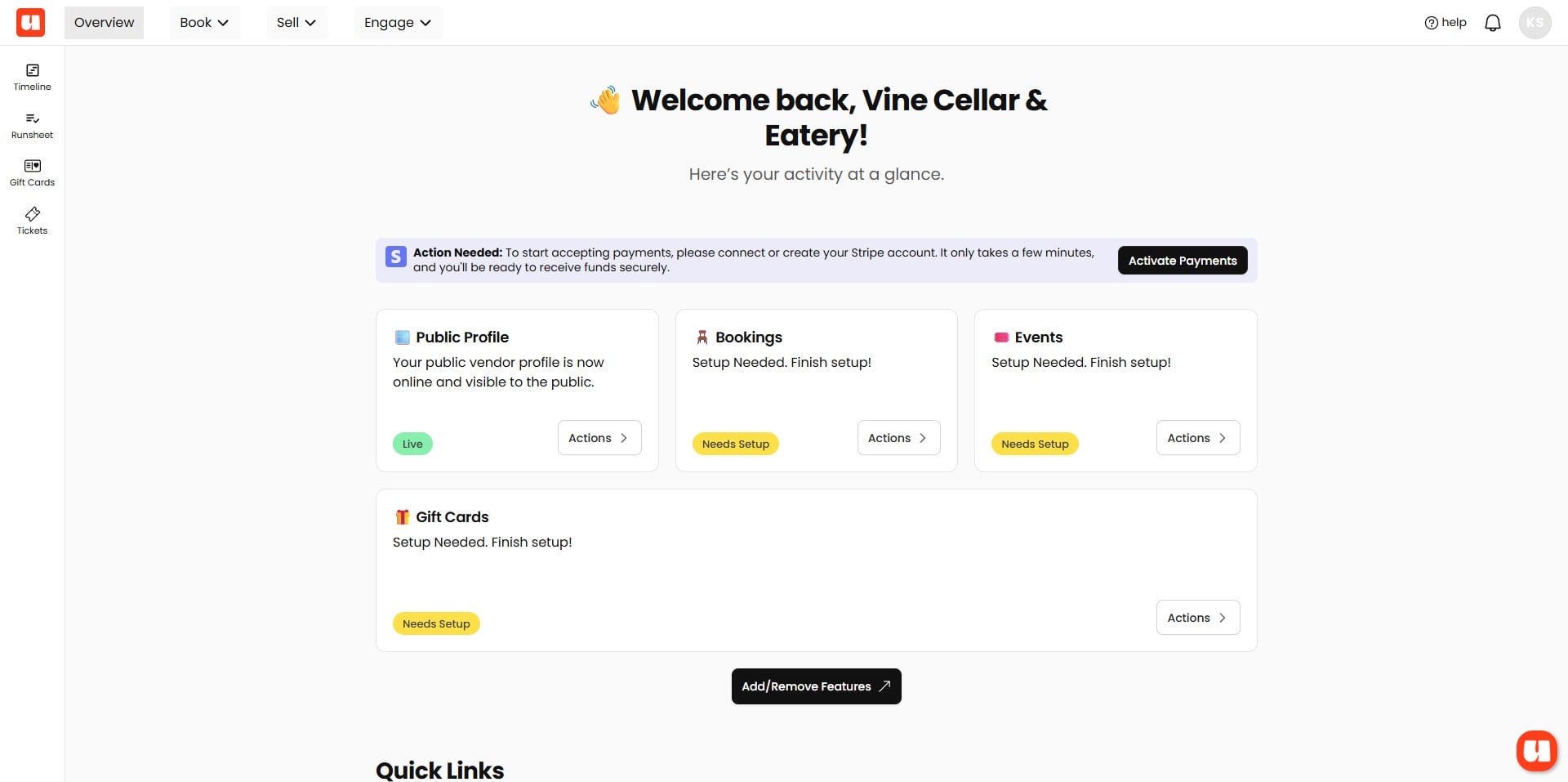
The options in your top navigation menu revolve around Usefull’s core themes: Book, Sell, and Engage. From this menu, you can also quickly access Setup and Management features—all conveniently organised in one place for easy navigation.
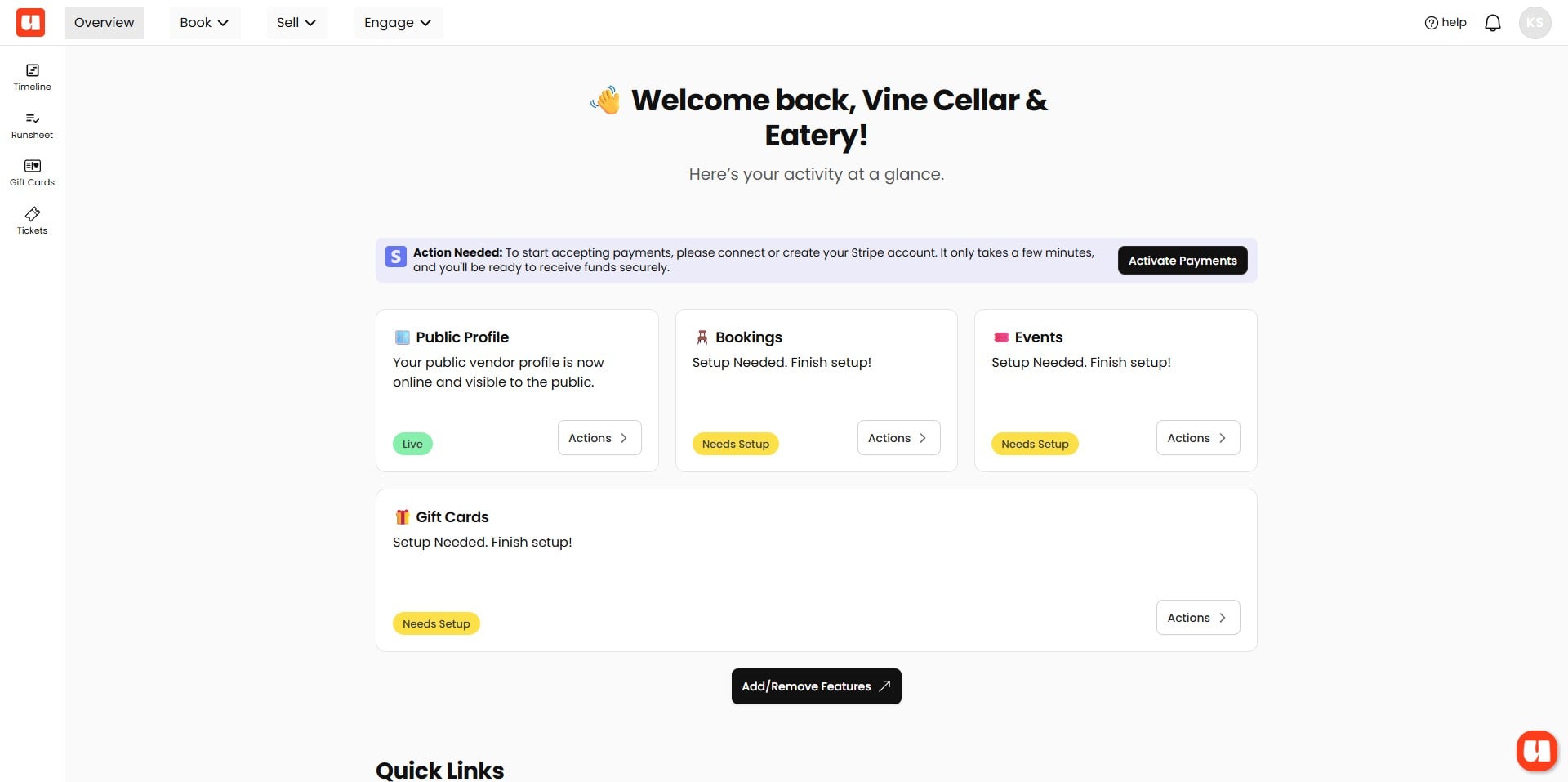
We've made it easy to get you to where you need to go from your main overview page.
System Settings
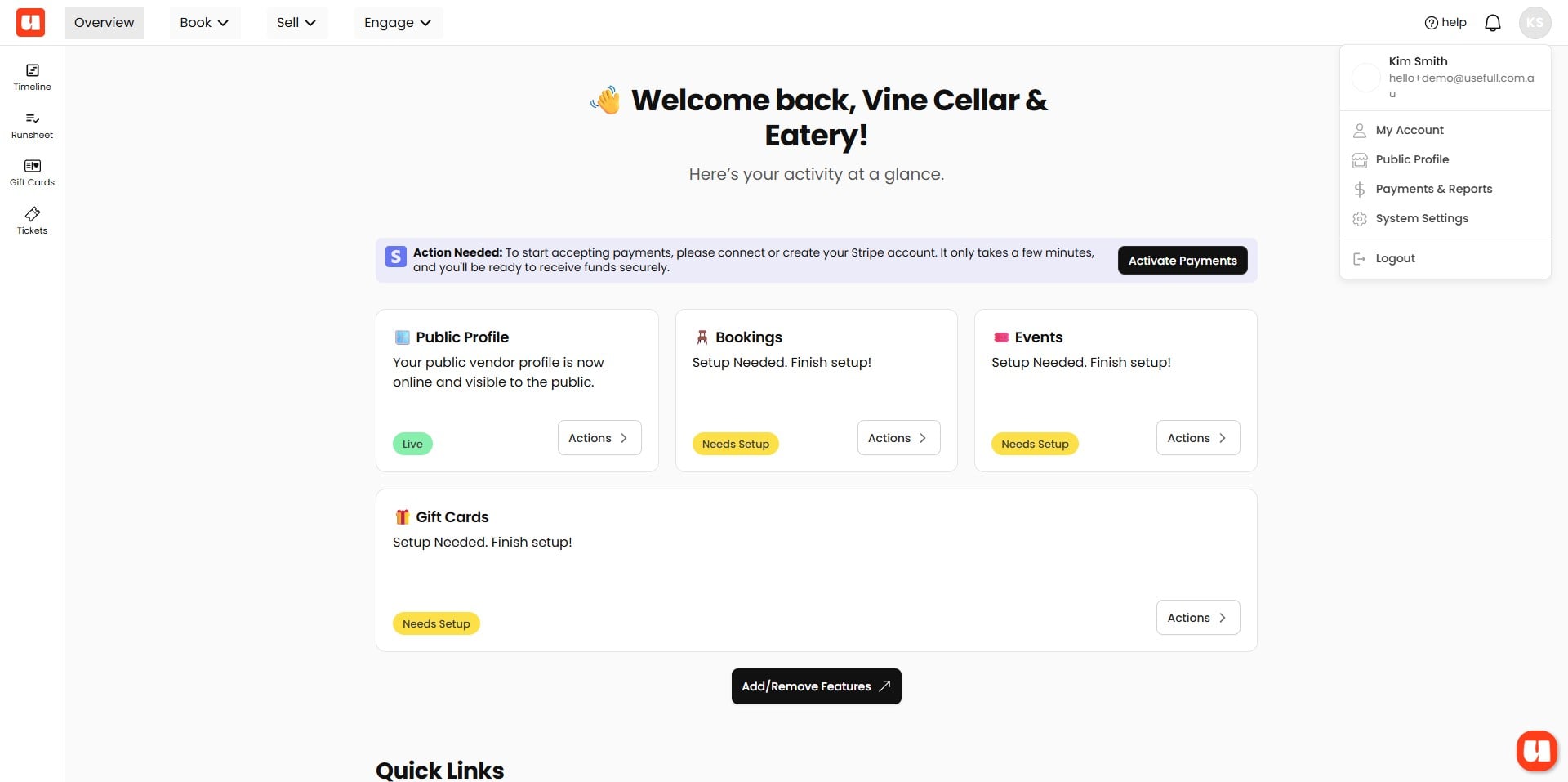
For more account related features, like setting up your subscription, or viewing your payments, the top right menu is where you'll find these options.
There is also lots of places you can find help.