

Setting Up Your Profile
A Step-by-step guide to set up your public usefull profile
As part of Usefull, you can set up a public profile that is SEO optimised and showcases your available experiences and offerings to your customers. This guide shows how to set up and publish your public Usefull profile.
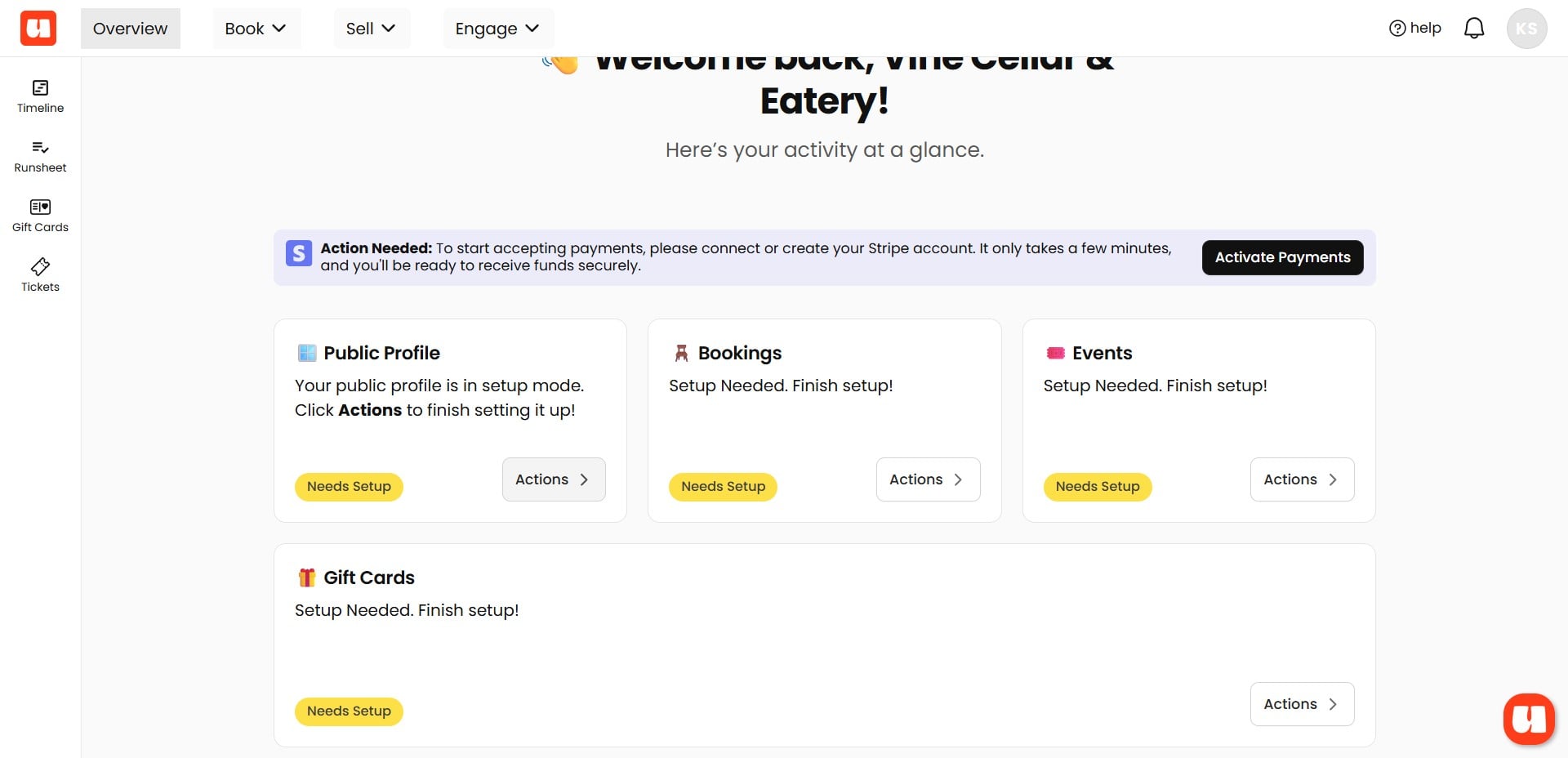
With your Usefull account, you get an SEO-optimised public profile to showcase your venue, organization, event bookings, and other experiences you offer.
Click on "Setup Profile"
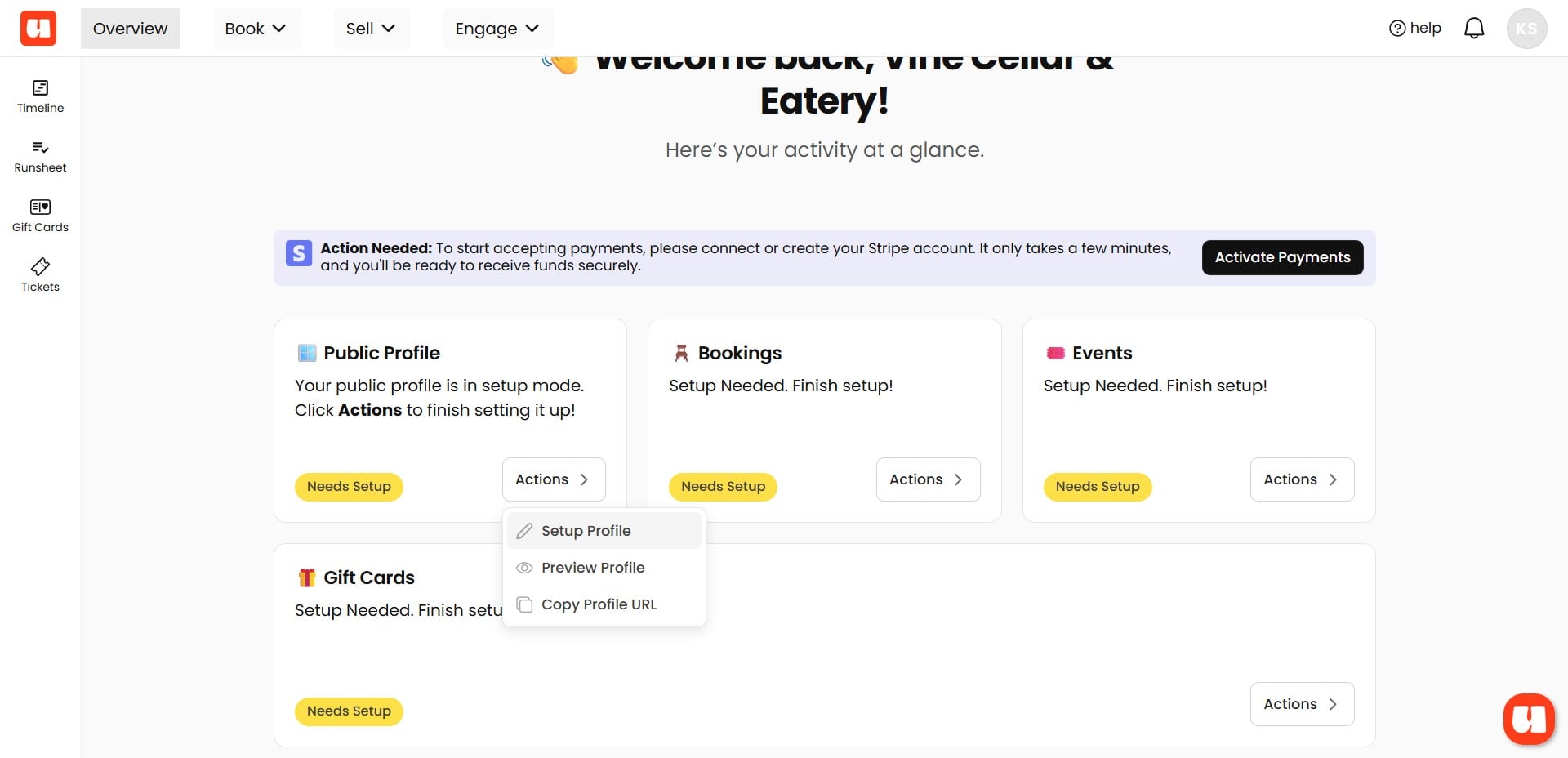
As you can see, this profile is not yet visible to the public.
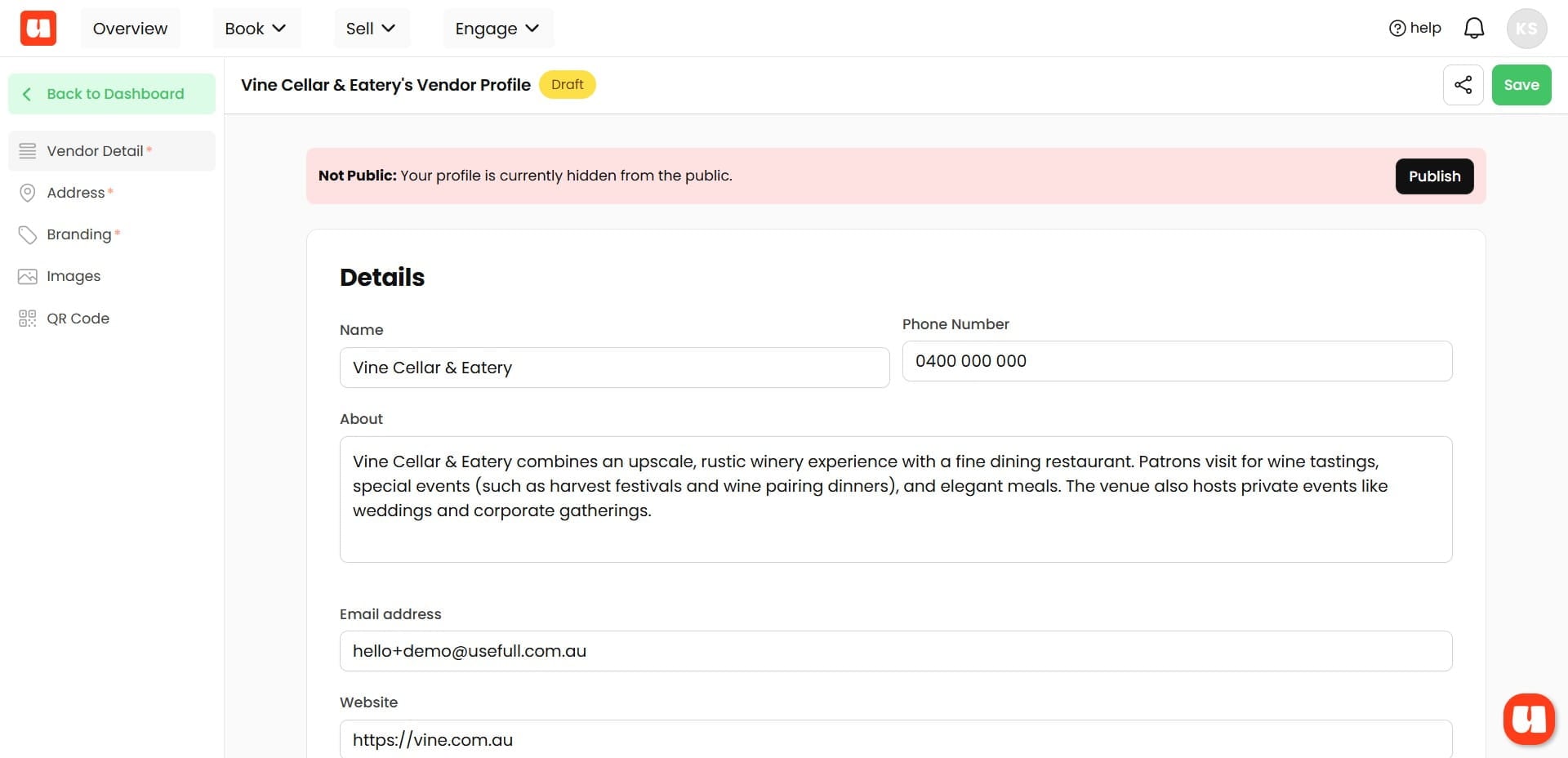
Here on the left menu, you can enter details about your venue or organisation including location, branding logos and colours etc.
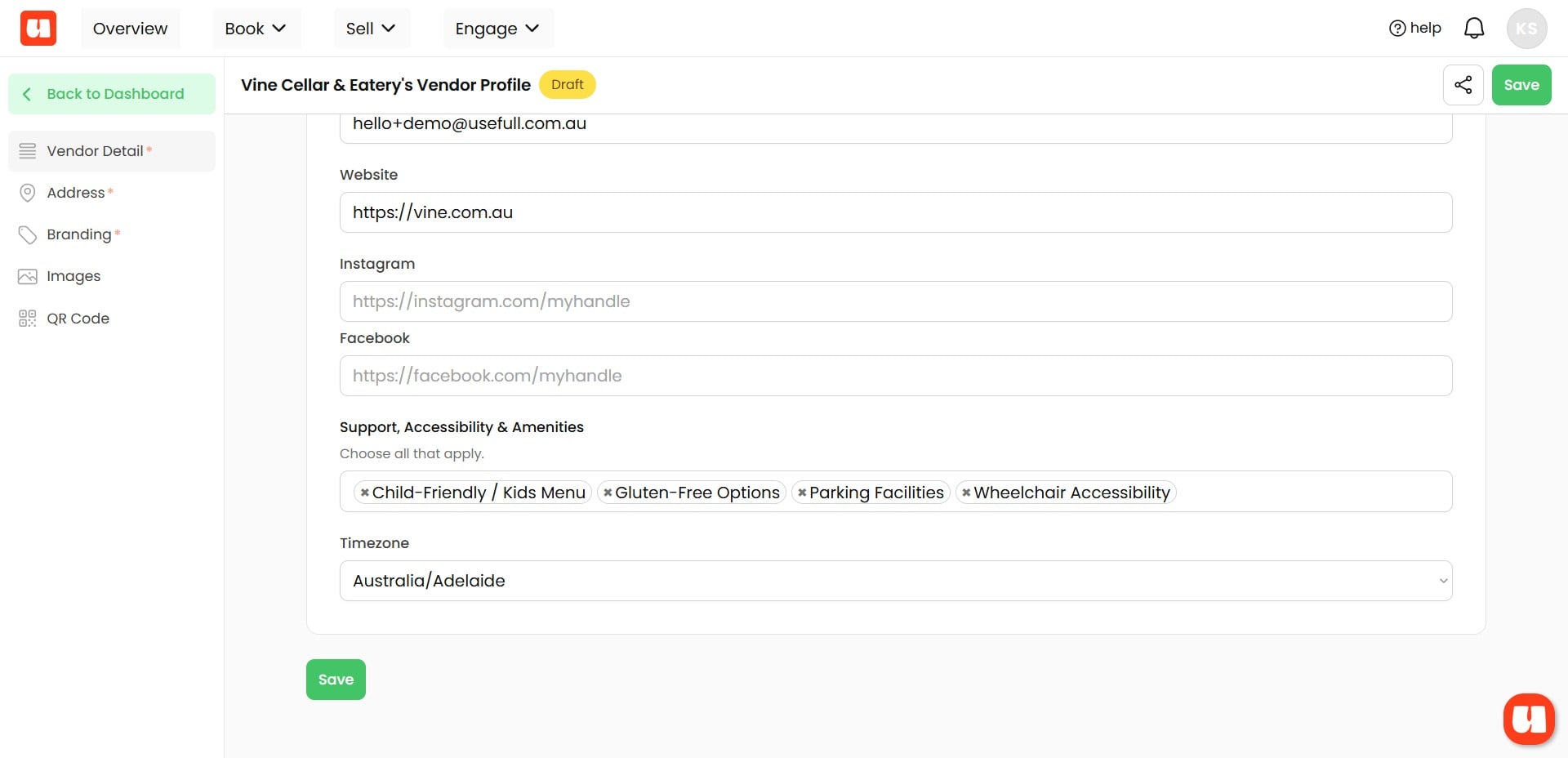
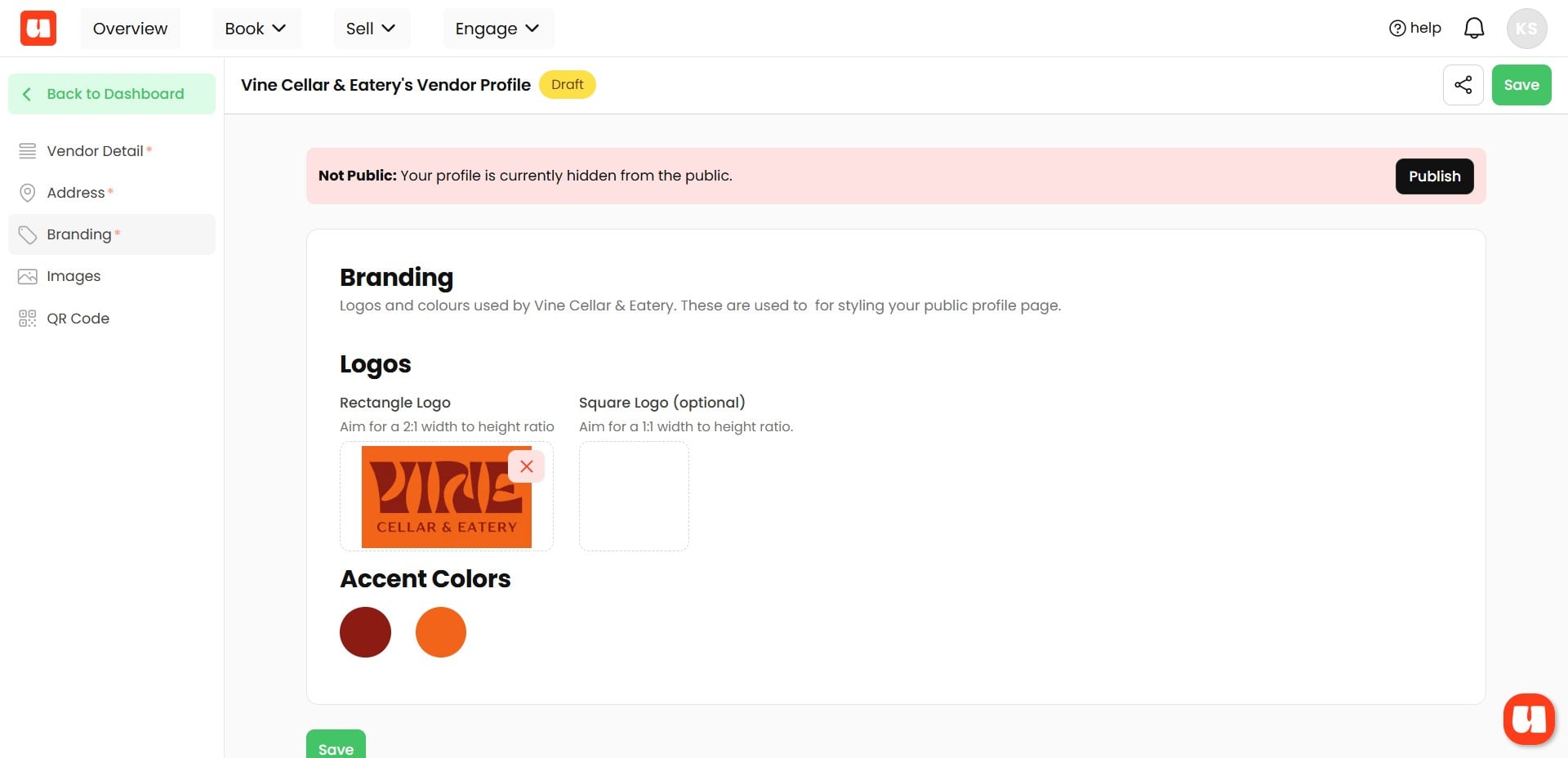
Personalise your public profile with your logo and brand colours.
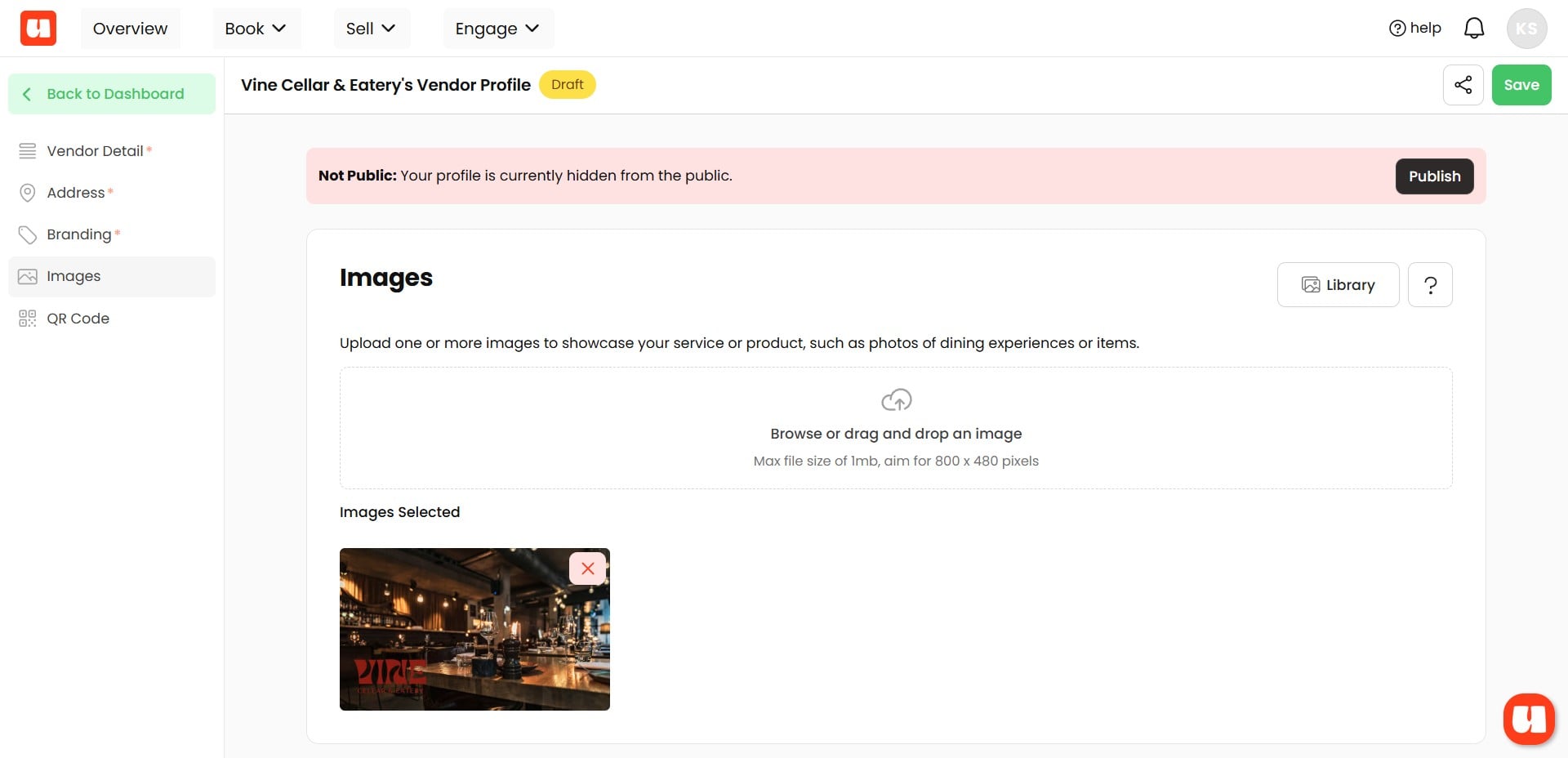
Add Images to show your venue or other aspects of your organisation. You can add as many as you like.
Publishing your Public Profile
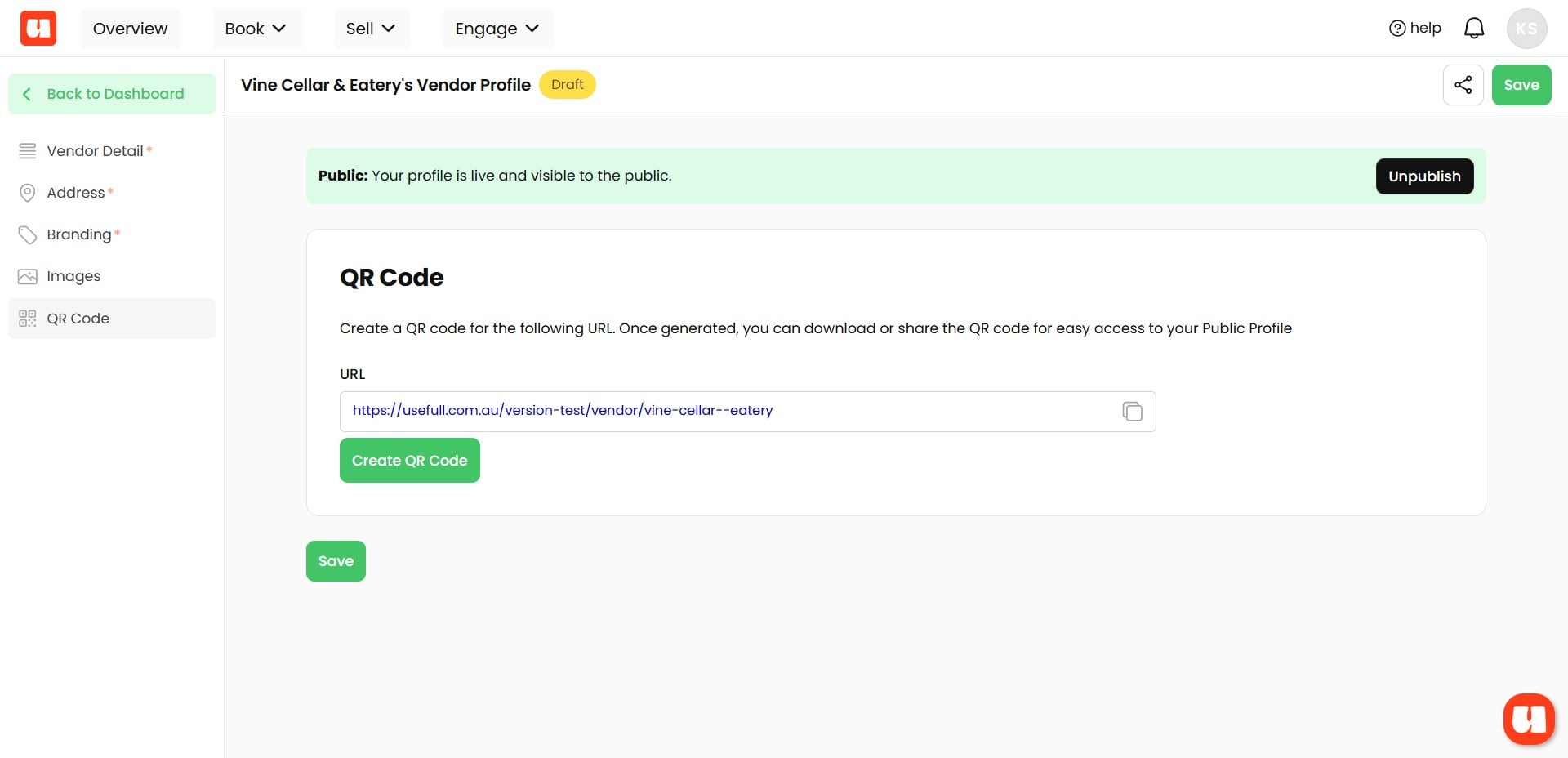
When you're finished editing your profile. Click 'publish'
As you can see from the green banner, your profile is now visible online, and you can copy the URL or create a QR code to share it.
What your Customers See
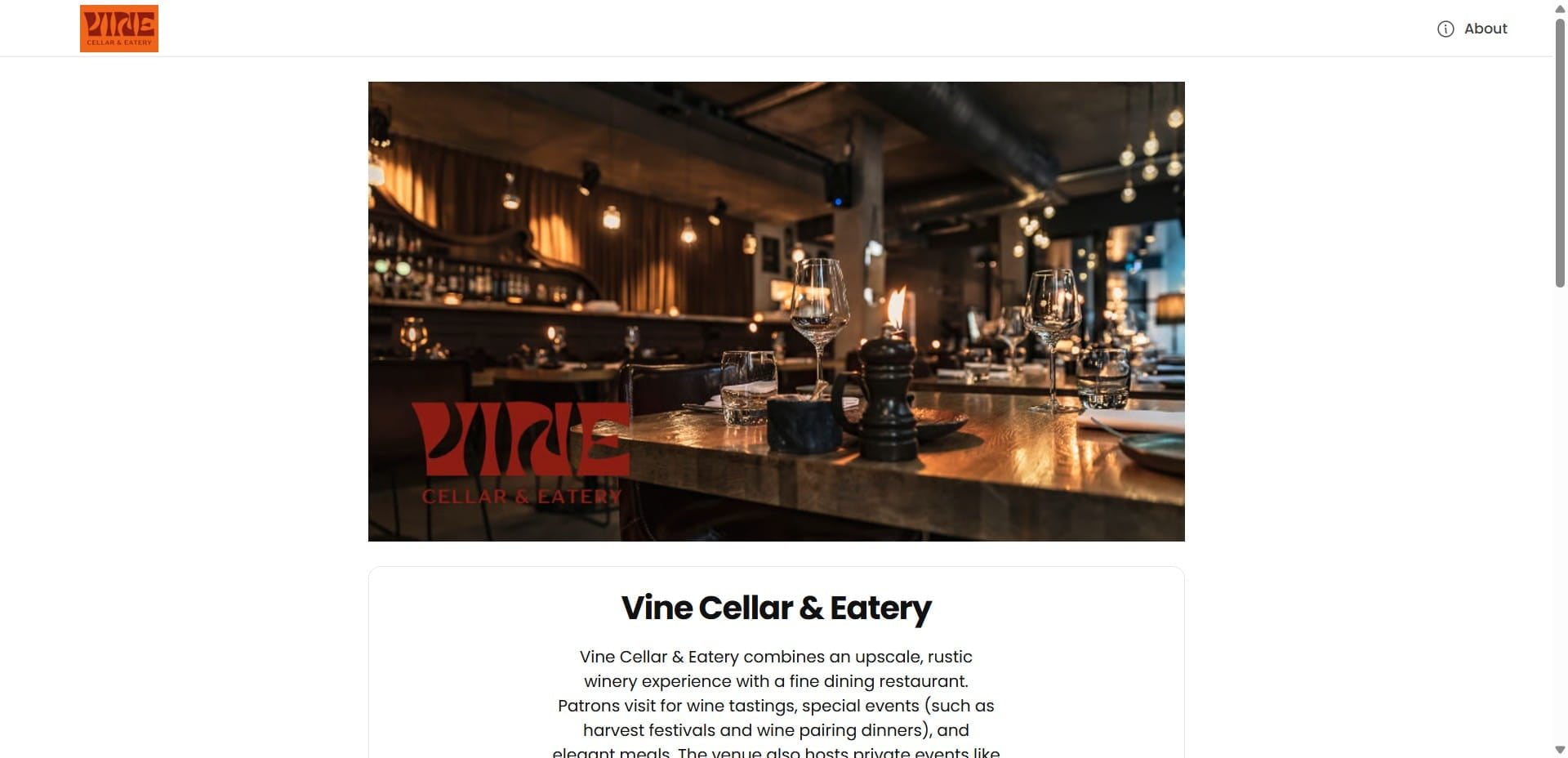
Your customers will see a dedicated page that highlights your venue or organisation, including location details, images, accessibility information, and contact details.
Frequently Asked Questions
- What do I need before I start setting up my public profile?
You need a Usefull account. With your Usefull account you get an SEO‑optimised public profile to showcase your venue, organisation, event bookings, and other experiences.
- How do I access the profile editor?
Open your Usefull account and click on "Setup Profile" from the Overview screen. The profile editor shows a left menu where you can enter details about your venue or organisation.
- What information and customisation can I add to my profile?
Use the left menu to add location details, branding (logos and colours), images, accessibility information, and contact details. You can personalise your public profile with your logo and brand colours and add as many images as you like to showcase your venue or organisation.
- How do I publish my profile and confirm it is visible to the public?
When you are finished editing, click "publish" (top red banner). After publishing, a green banner indicates your profile is now visible online. You can then copy the profile URL or create a QR code to share it.
- My profile still isn’t visible — how can I troubleshoot this?
Double‑check that you clicked "publish" after finishing your edits. Look for the green banner that confirms the profile is visible online; if the banner isn’t shown, the profile has not been published yet.