

Configure GST settings for your business
Set the business’s GST registration status and choose GST Inclusive or Exclusive handling for tax invoices in Usefull’s Payments & Reports settings.
Click your profile avatar in the top-right corner
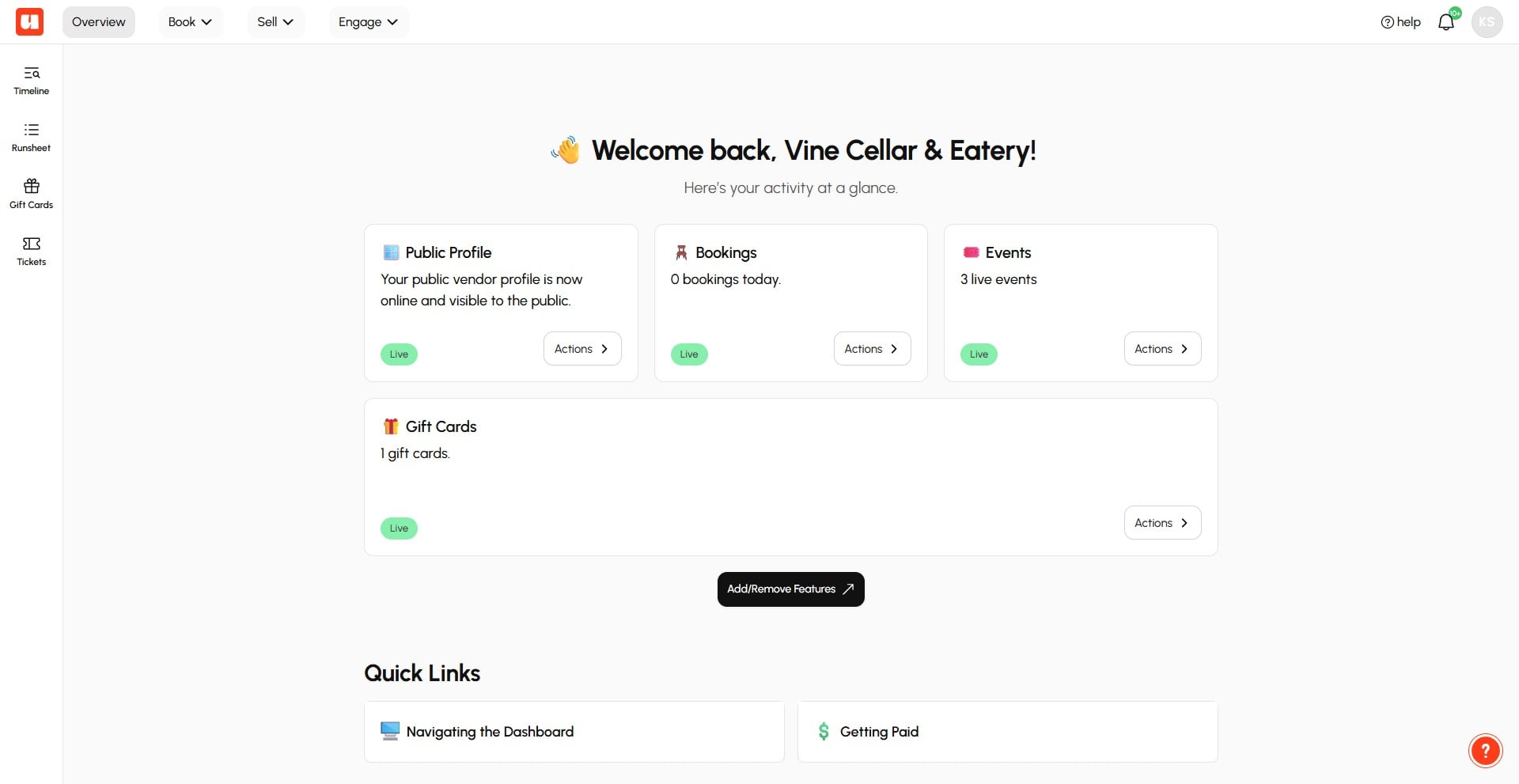
Select Payments & Reports from the account menu
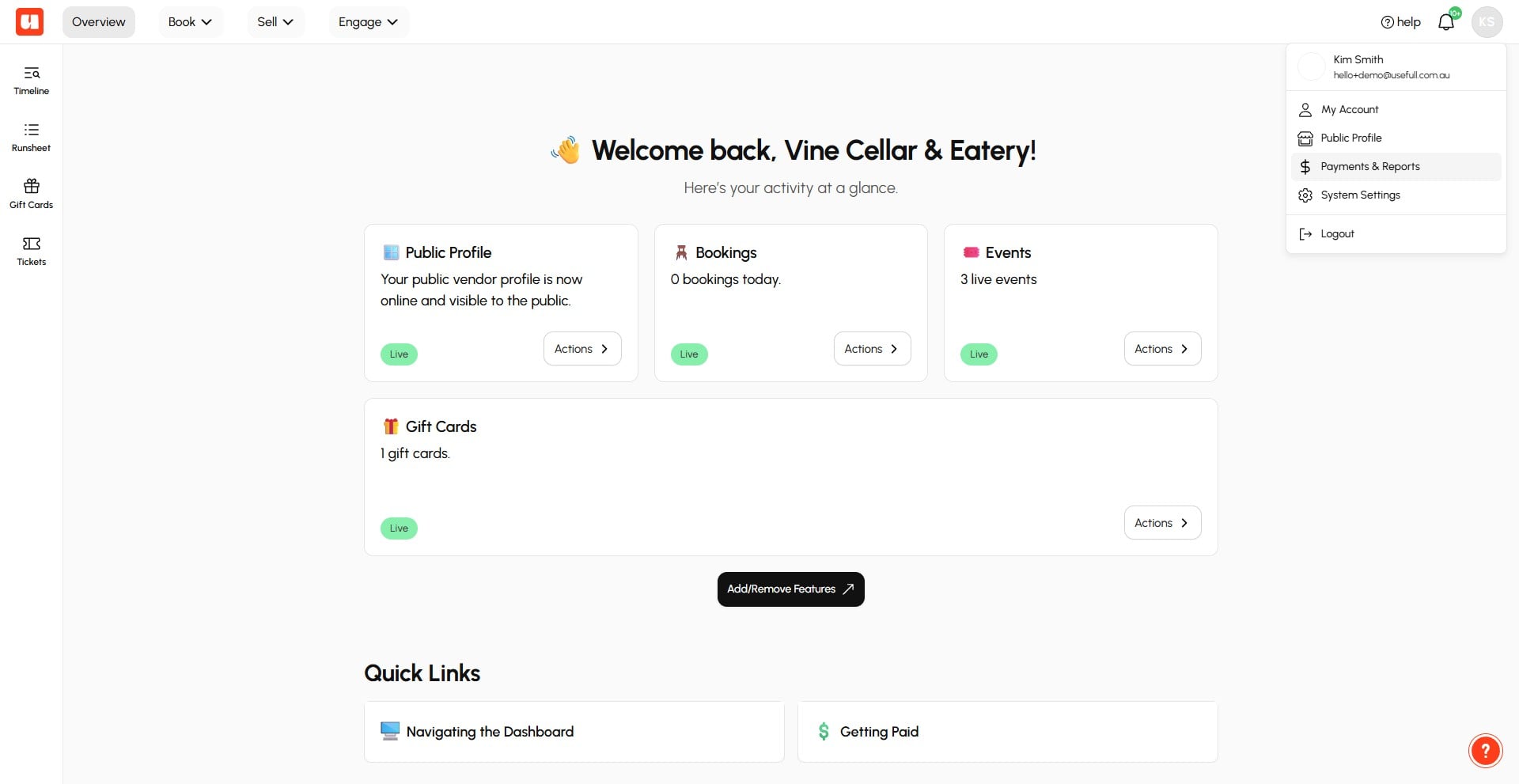
Click GST & Tax Invoices in the left sidebar
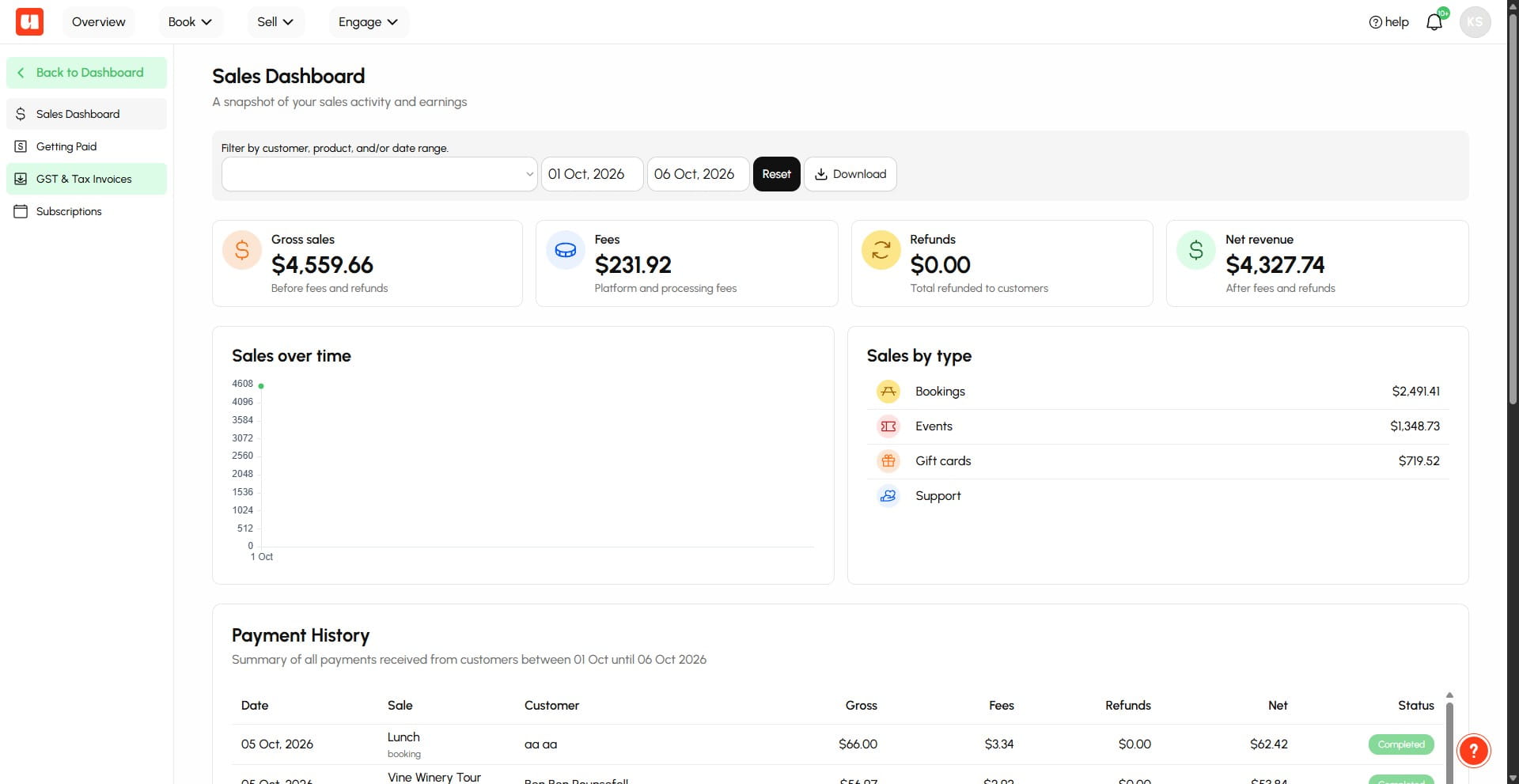
Enter your Registered Business / Legal Name and Australian Business Number (ABN)
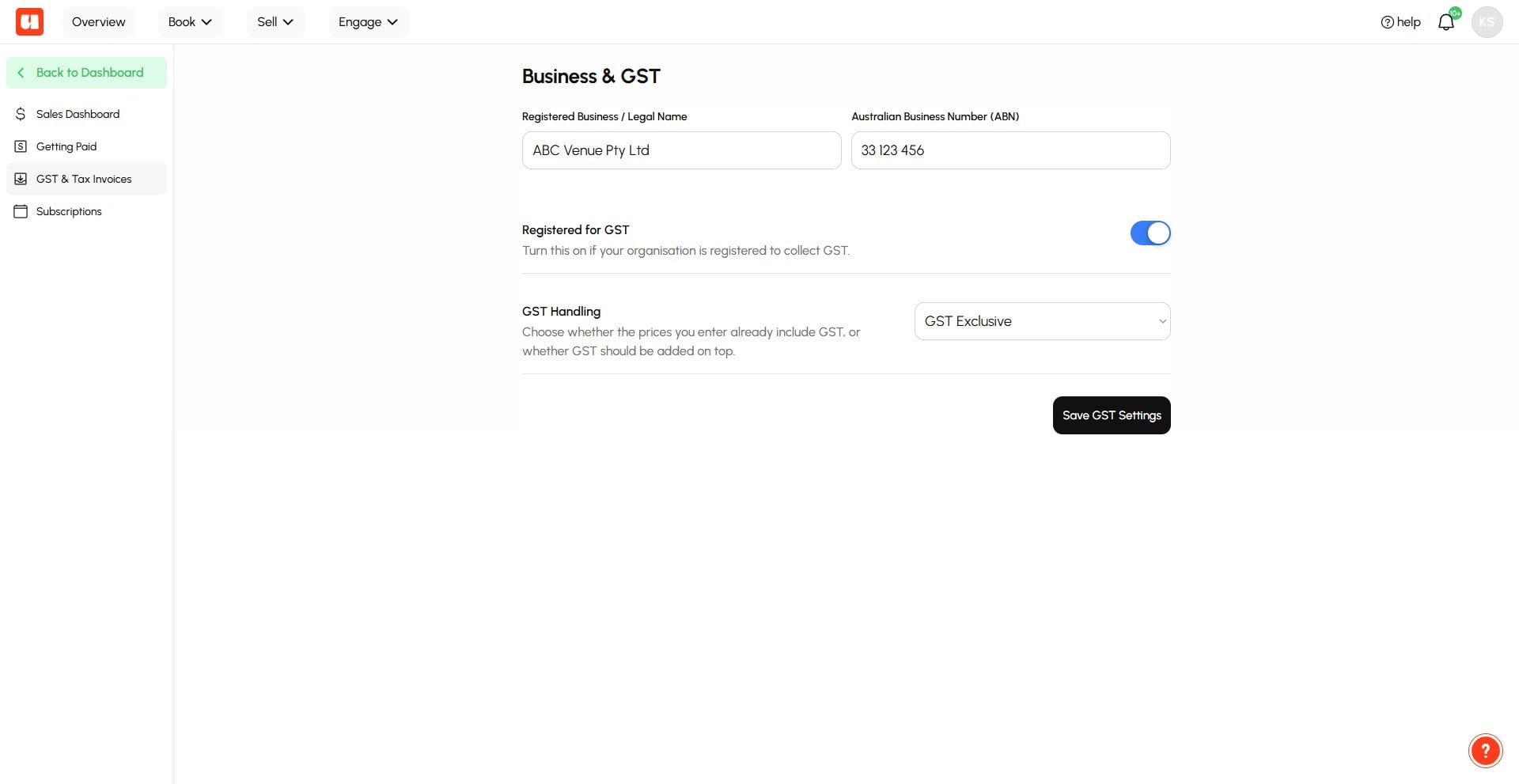
Toggle Registered for GST on if you are registered.
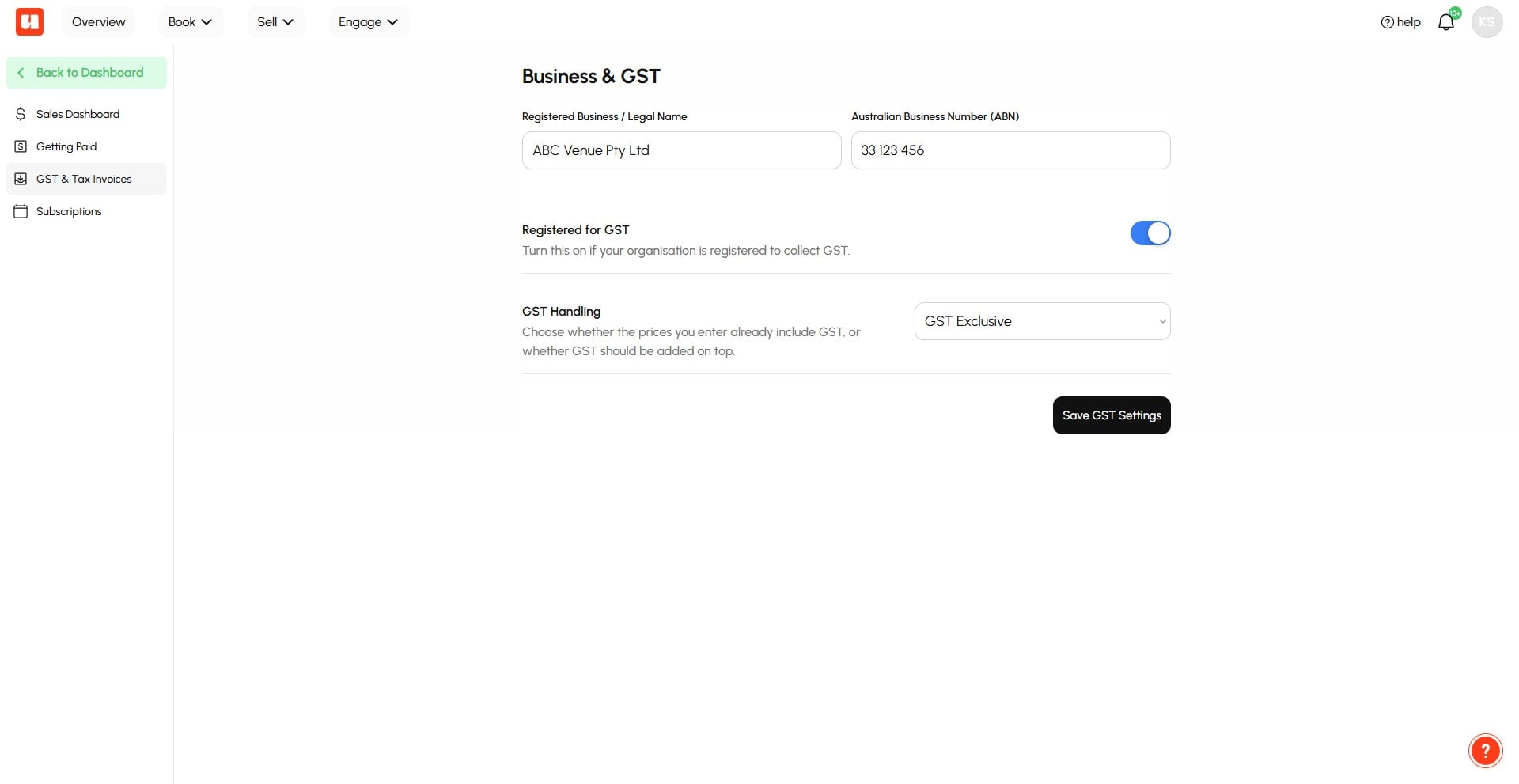
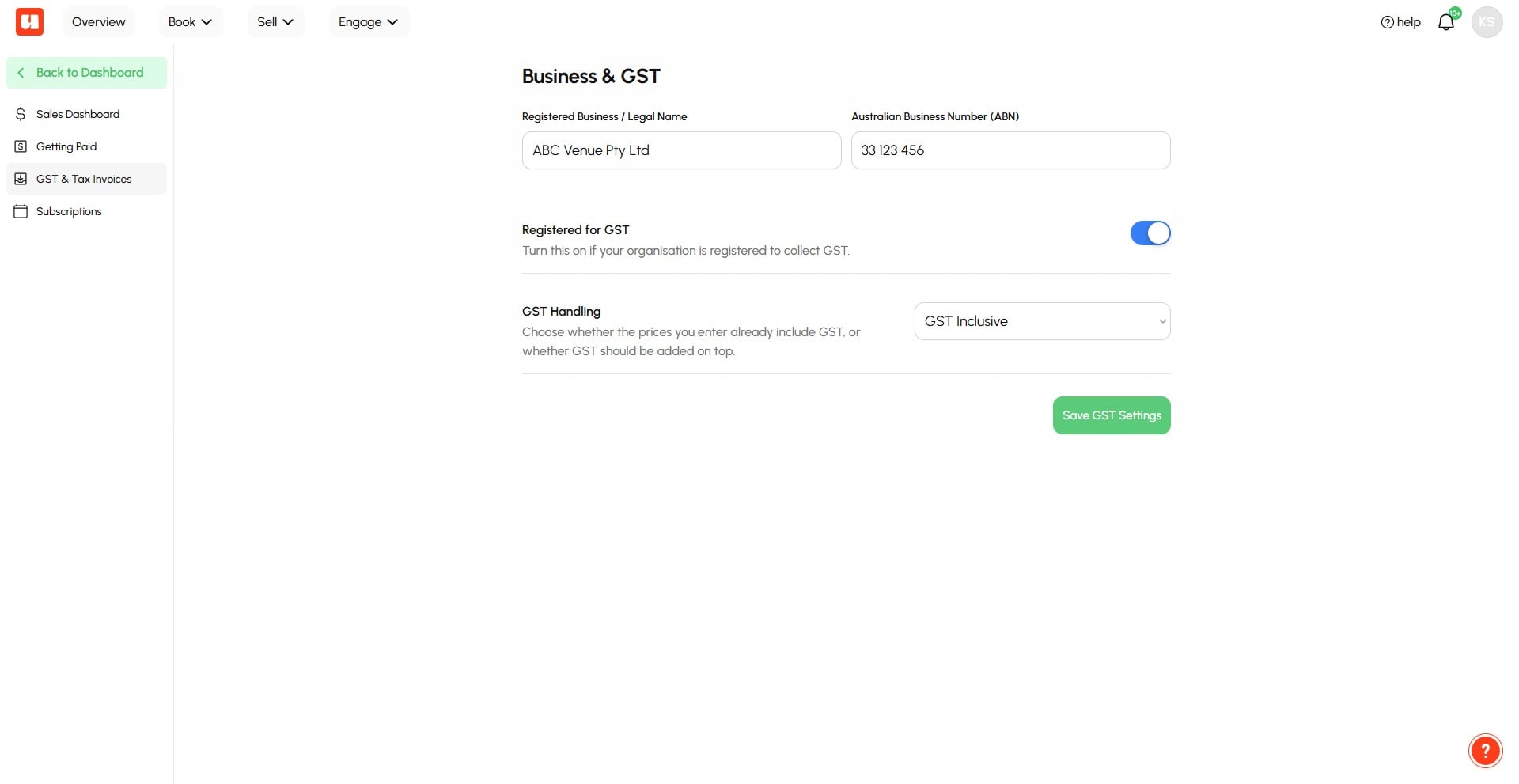
Open the GST Handling dropdown and select GST Inclusive or Exclusive
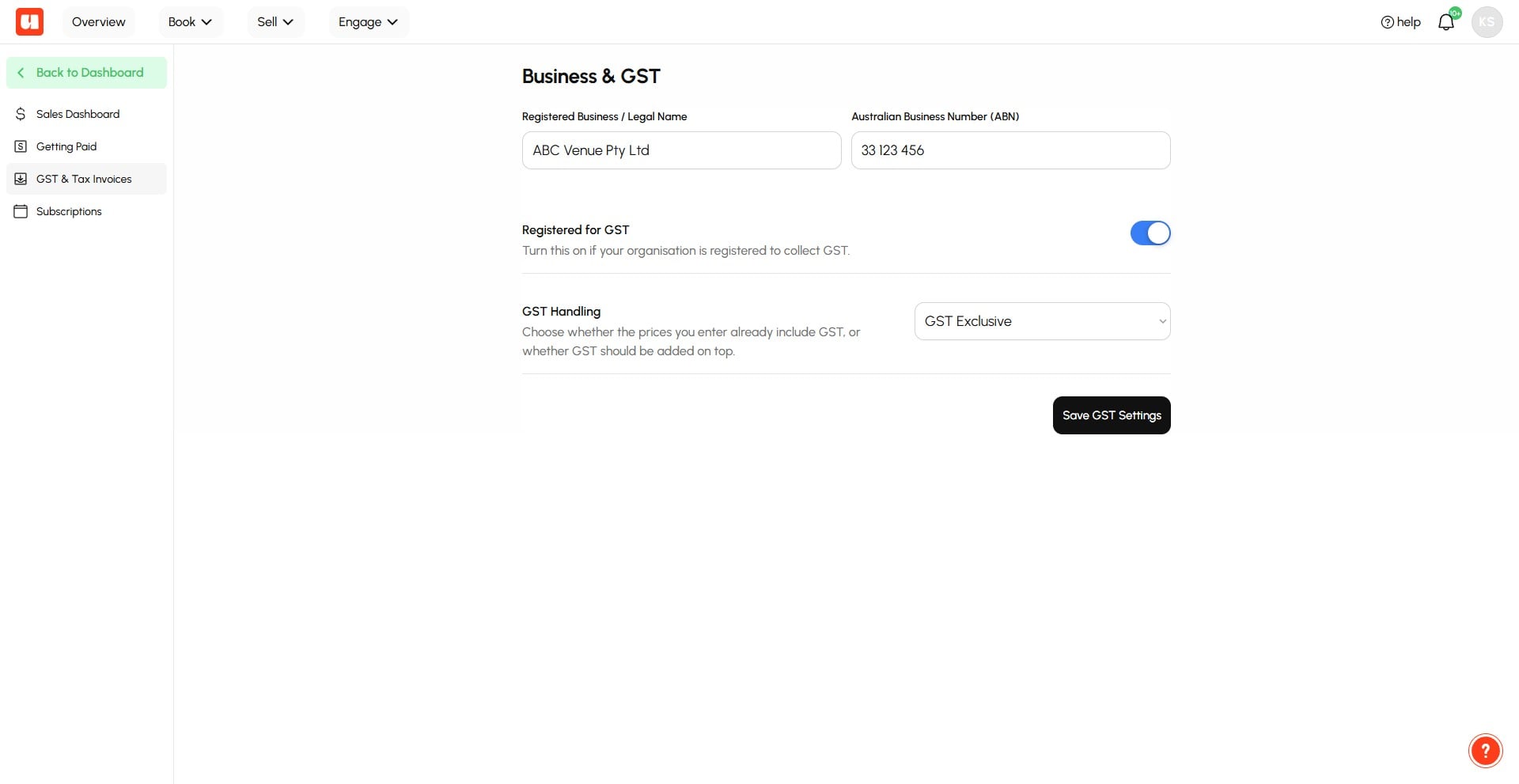
Tip: GST Inclusive will absorb GST in the customer's final total while GST Exclusive will add GST to the customer's total.
Click Save GST Settings
Frequently Asked Questions
- What business details do I need to enter for GST settings?
Enter your Registered Business / Legal Name and Australian Business Number (ABN). Your address is already captured as part of your Vendor Profile settings.
- Do I need to turn on **Registered for GST**?
Turn it on if your business is registered for GST. If your business is not registered, do not turn it on.
- What is the difference between **GST Inclusive** and **GST Exclusive**?
GST Inclusive absorbs GST into the customer's final total. GST Exclusive adds GST to the customer's total.
- Will my customers receive an Invoice or Tax Invoice.
If you are registered for GST and GST is applied to a sale, your customers will receive a Tax Invoice, otherwise they'll receive a regular invoice.
- Do all products in Usefull have GST applied to them if I am registered for GST?
No, Gift Gard sales do not have GST applied to them because GST is applied at the time of redemption. Event Tickets and Prepaid Bookings or Prepaid Deposits all have GST applied if you are registered.