

View Event Attendees and Ticket Responses
Review attendee information for an event, filter the list by session and ticket type, and view responses submitted during ticket checkout. Access the event’s setup options when needed.
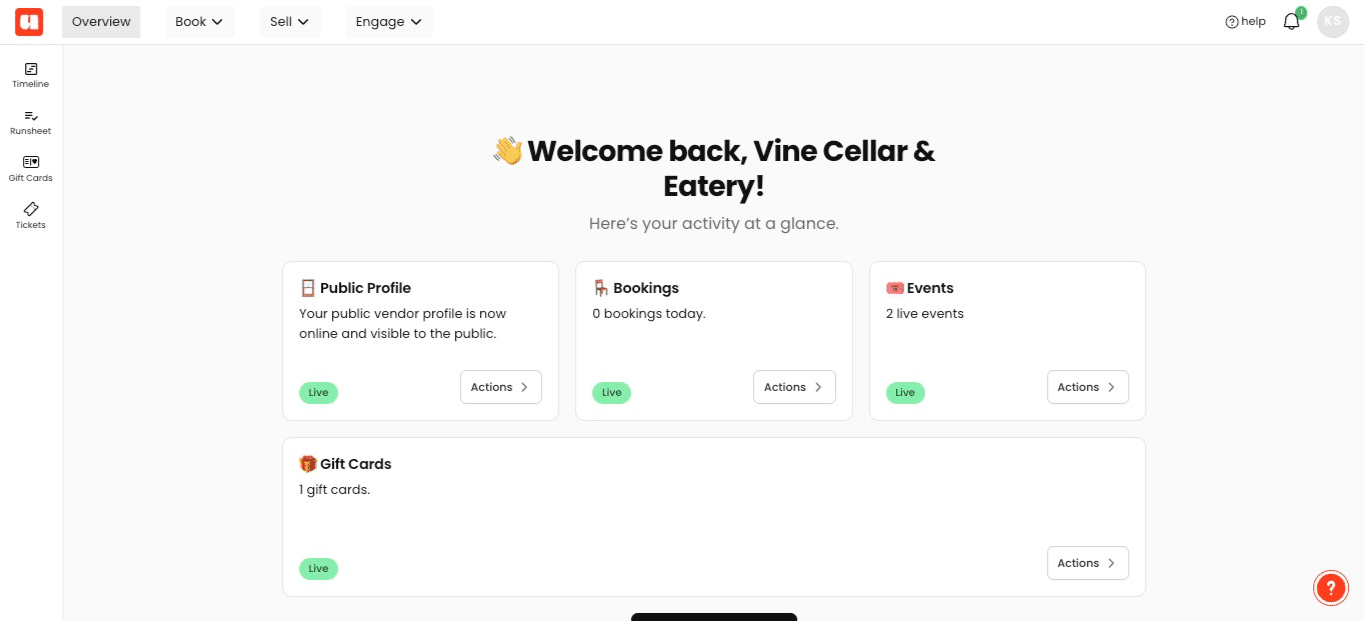
Click Sell in the top navigation to open the event sales menu
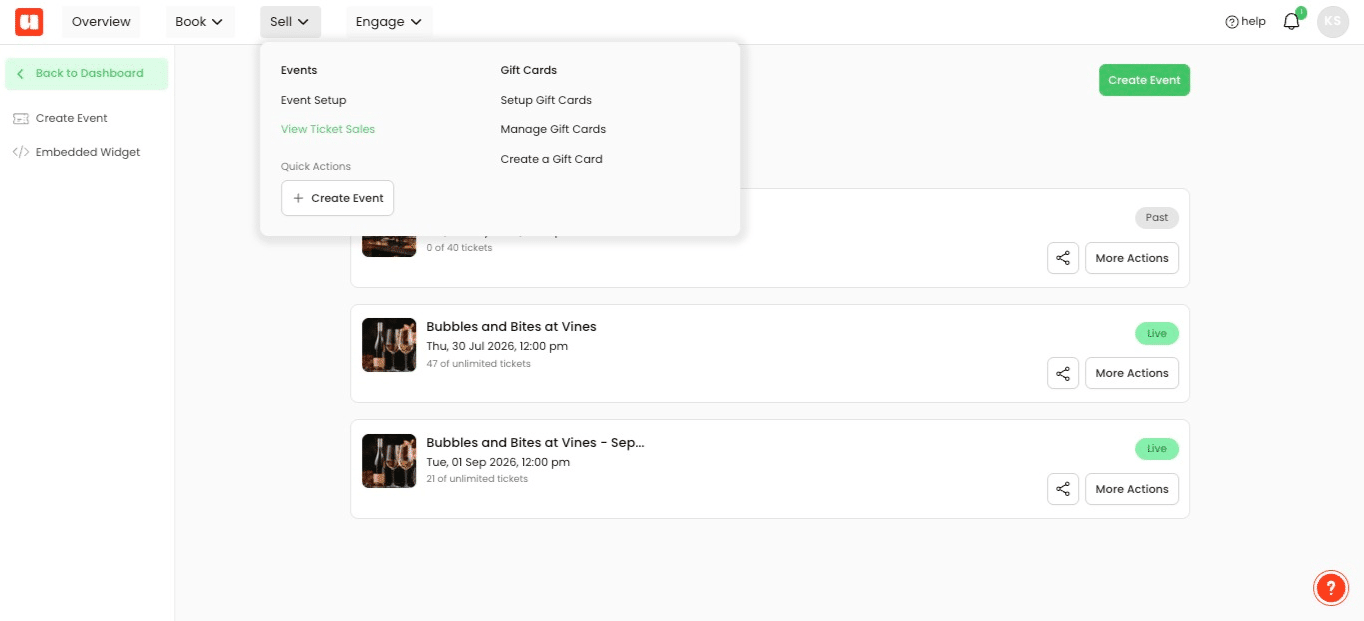
Choose View Ticket Sales from the Sell menu
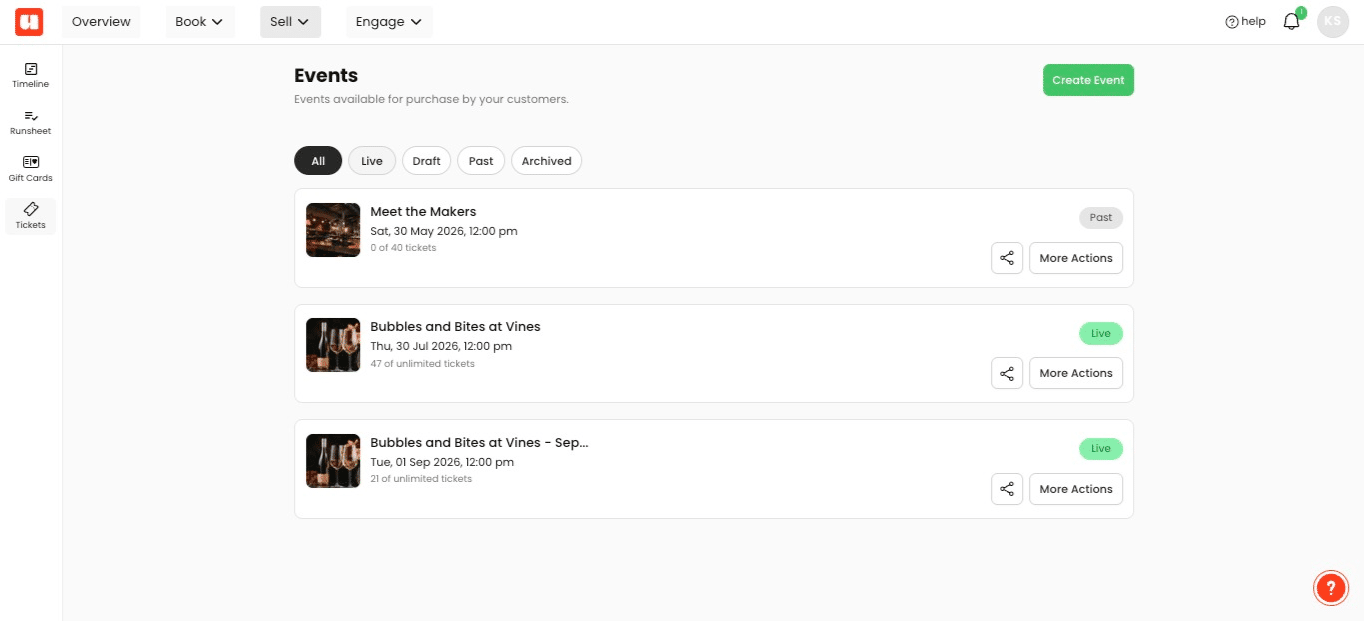
Use the All, Live, Draft, Past, and Archived status filters to locate the event you need
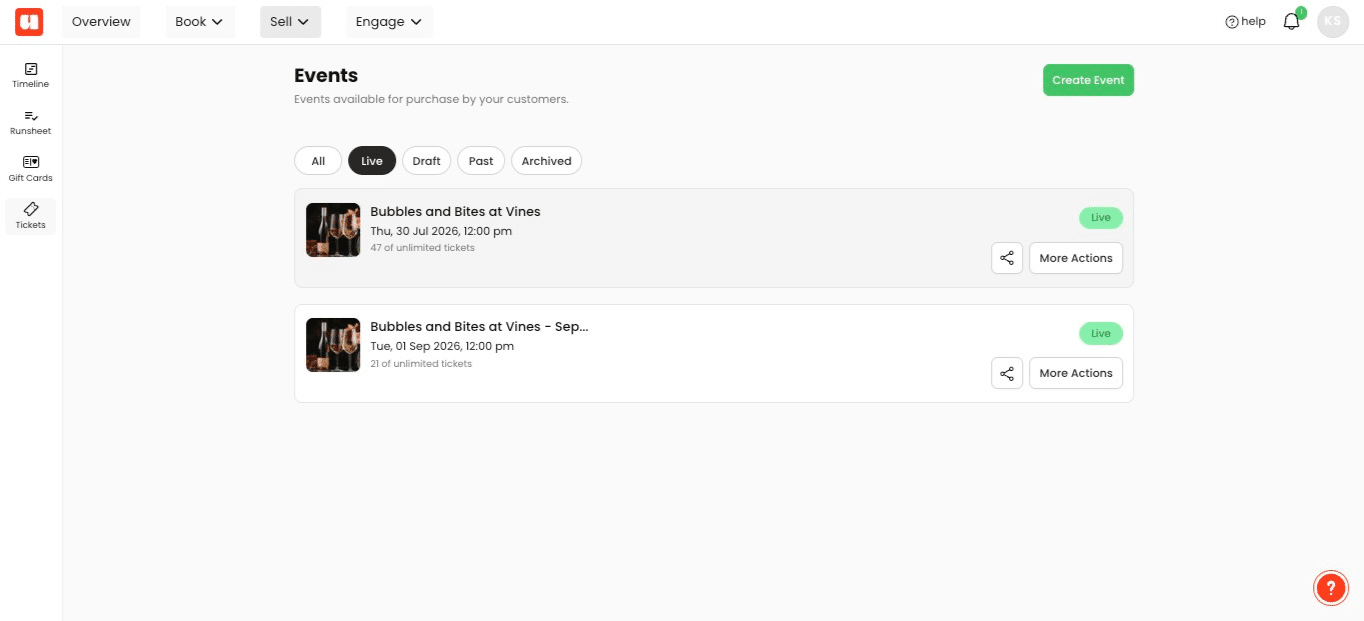
Select your event. In this example we're selecting our Bubbles and Bites at Vines from the event list
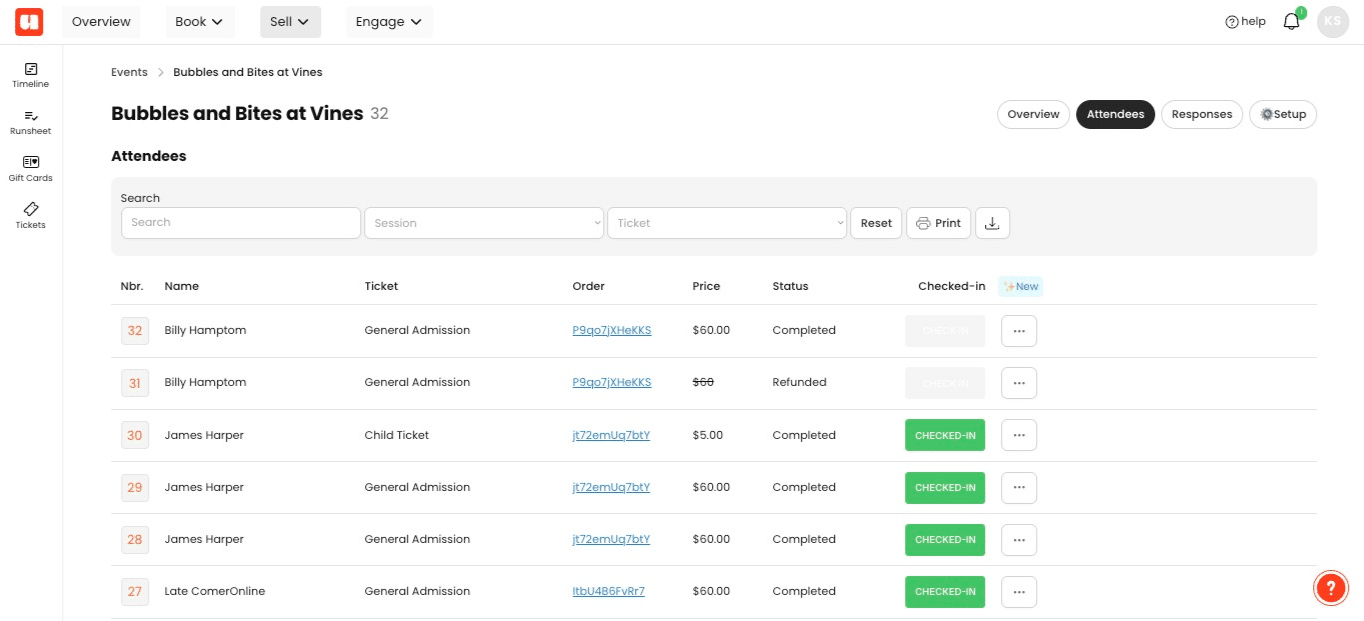
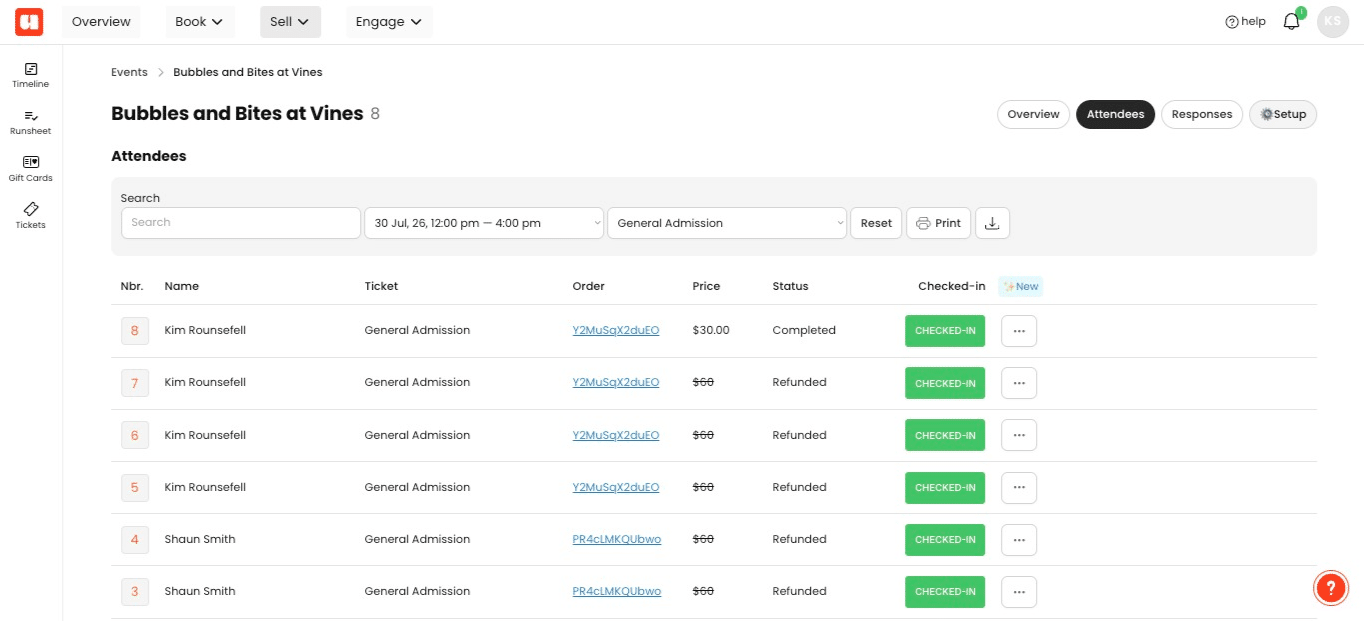
Click Attendees to view customer information for the event
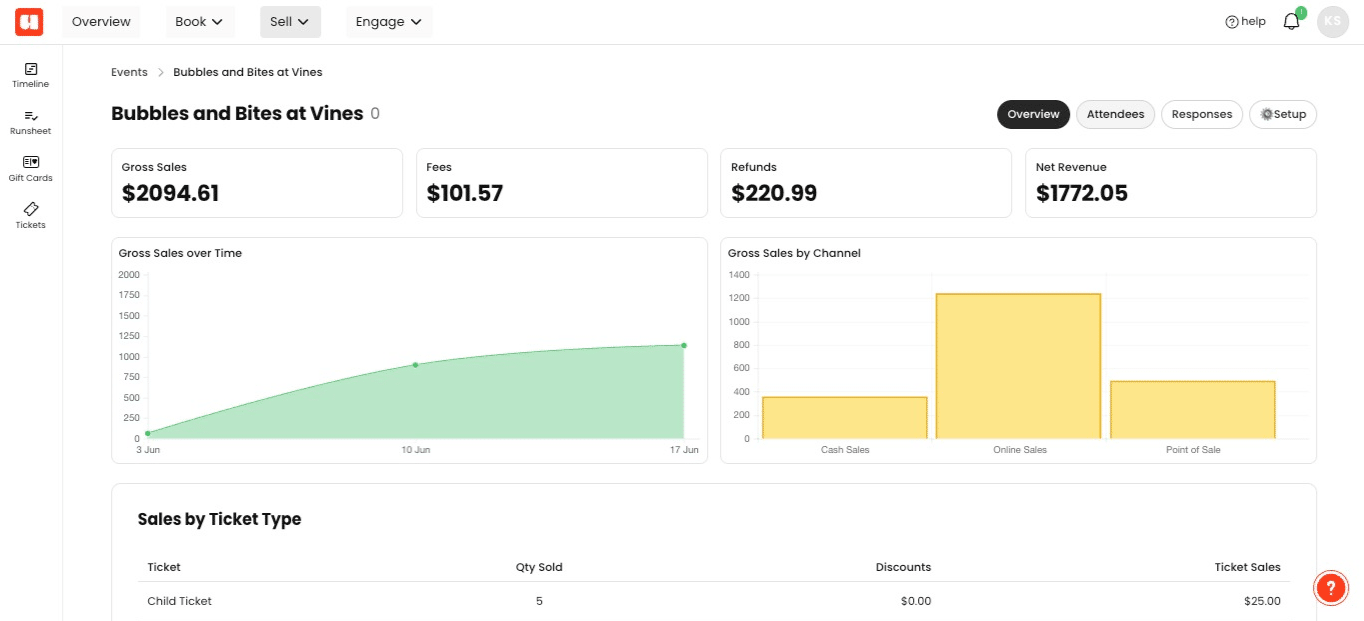
Open the Session filter to narrow the attendee list by session
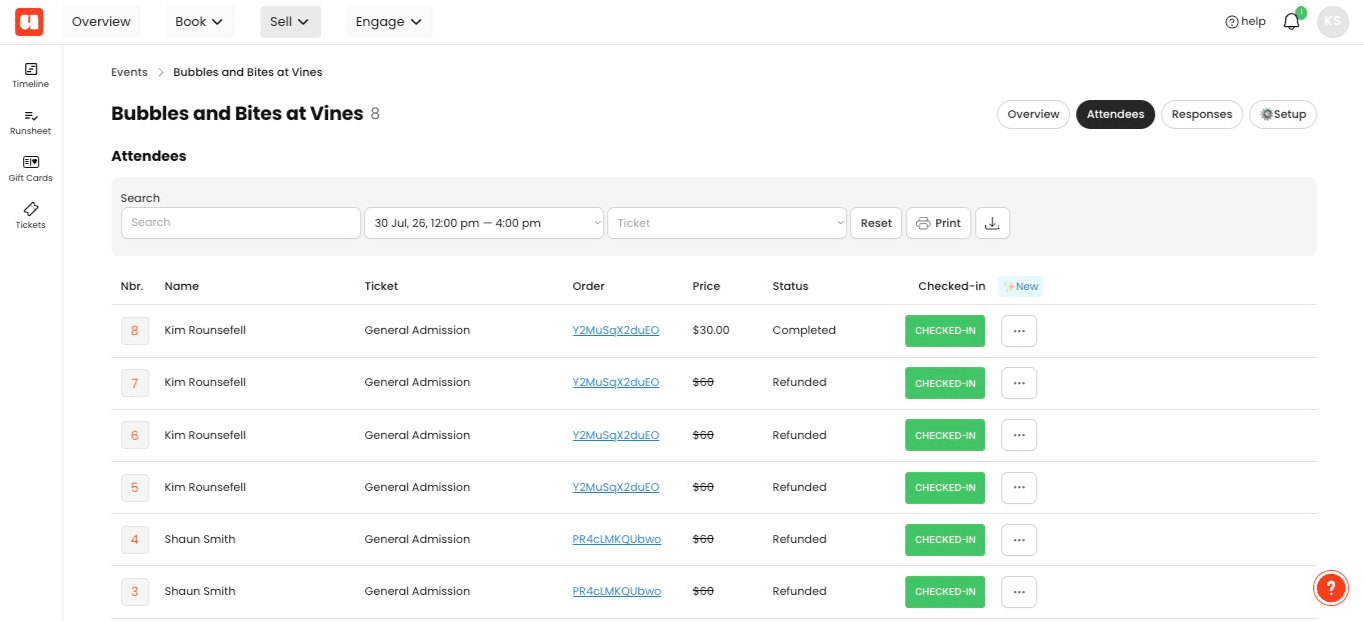
Use the Ticket filter alongside the selected session to narrow the list by ticket type
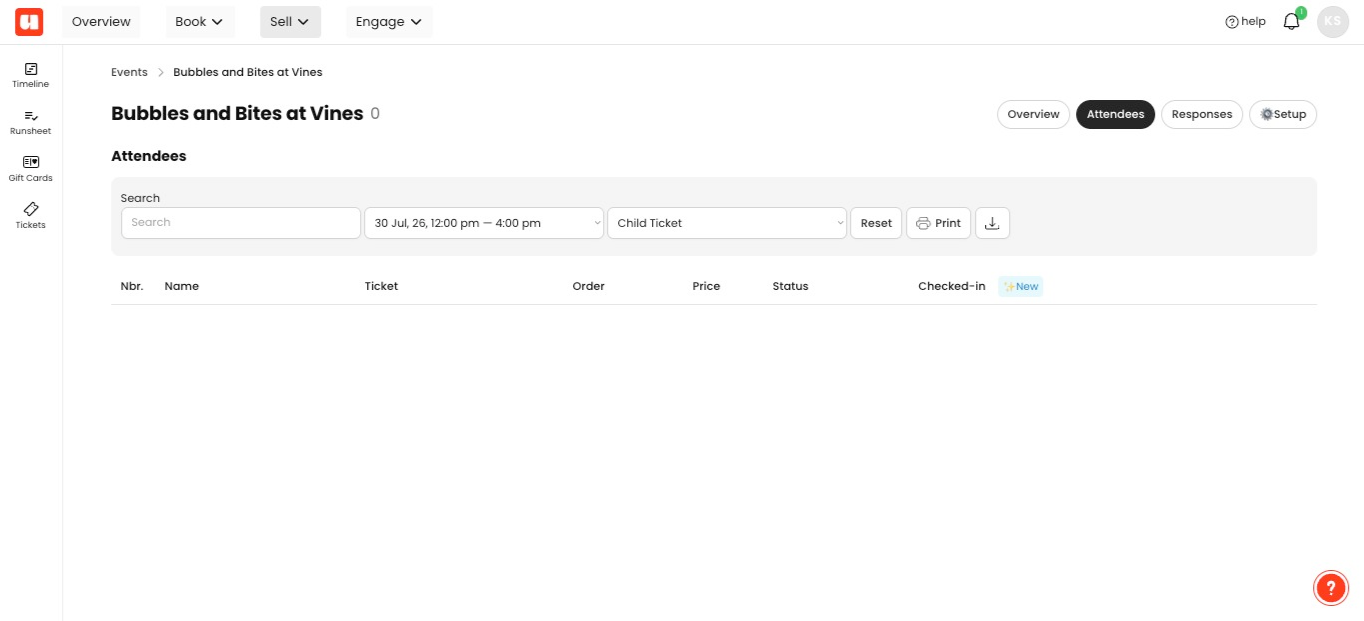
Select a ticket type, such as Child Ticket, from the Ticket filter to display the matching attendees
Click Responses to view answers submitted through the ticket checkout
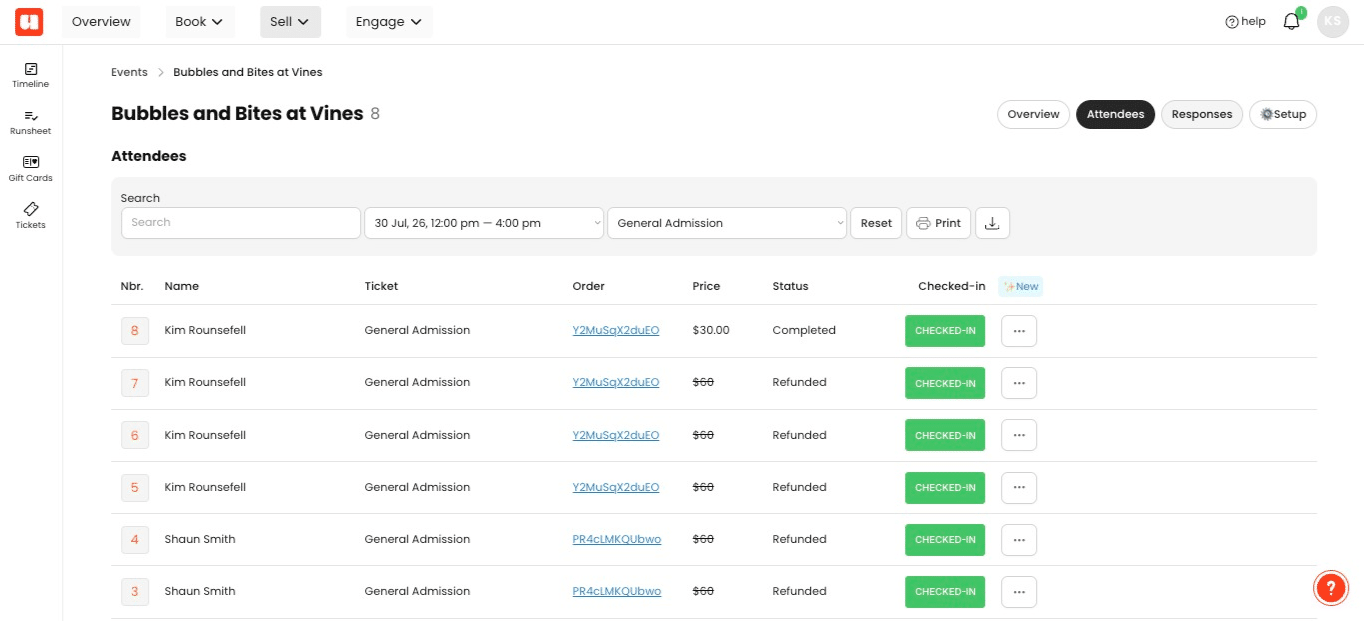
Click ⚙ Setup to access the event's setup options
Frequently Asked Questions
- What do the event status filters help me find?
The All, Live, Draft, Past, and Archived filters help you locate an event in the ticket sales list by its status.
- Can I filter attendees by both session and ticket type?
Yes. Select a session, then use the Ticket filter to choose a ticket type and display attendees matching both selections.
- What information is shown under Attendees?
The Attendees view shows customer information for the selected event.
- What are ticket responses?
Responses shows answers submitted through the ticket checkout for the selected event.