

Stop Ticket Sales for an Event
End ticket sales for a selected event and confirm its public ticket page displays a Ticket Sales Ended notice.
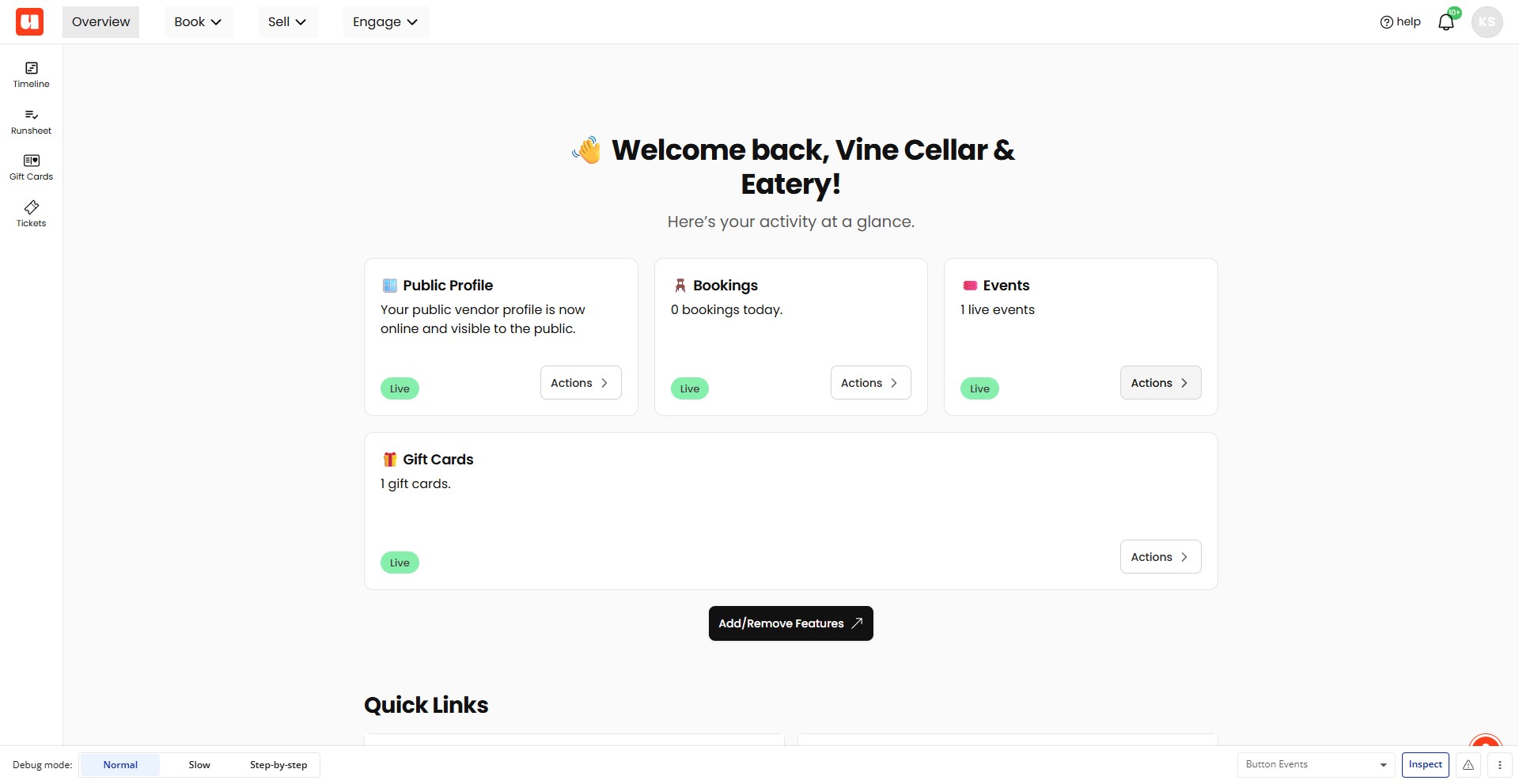
Click Actions on the Events card
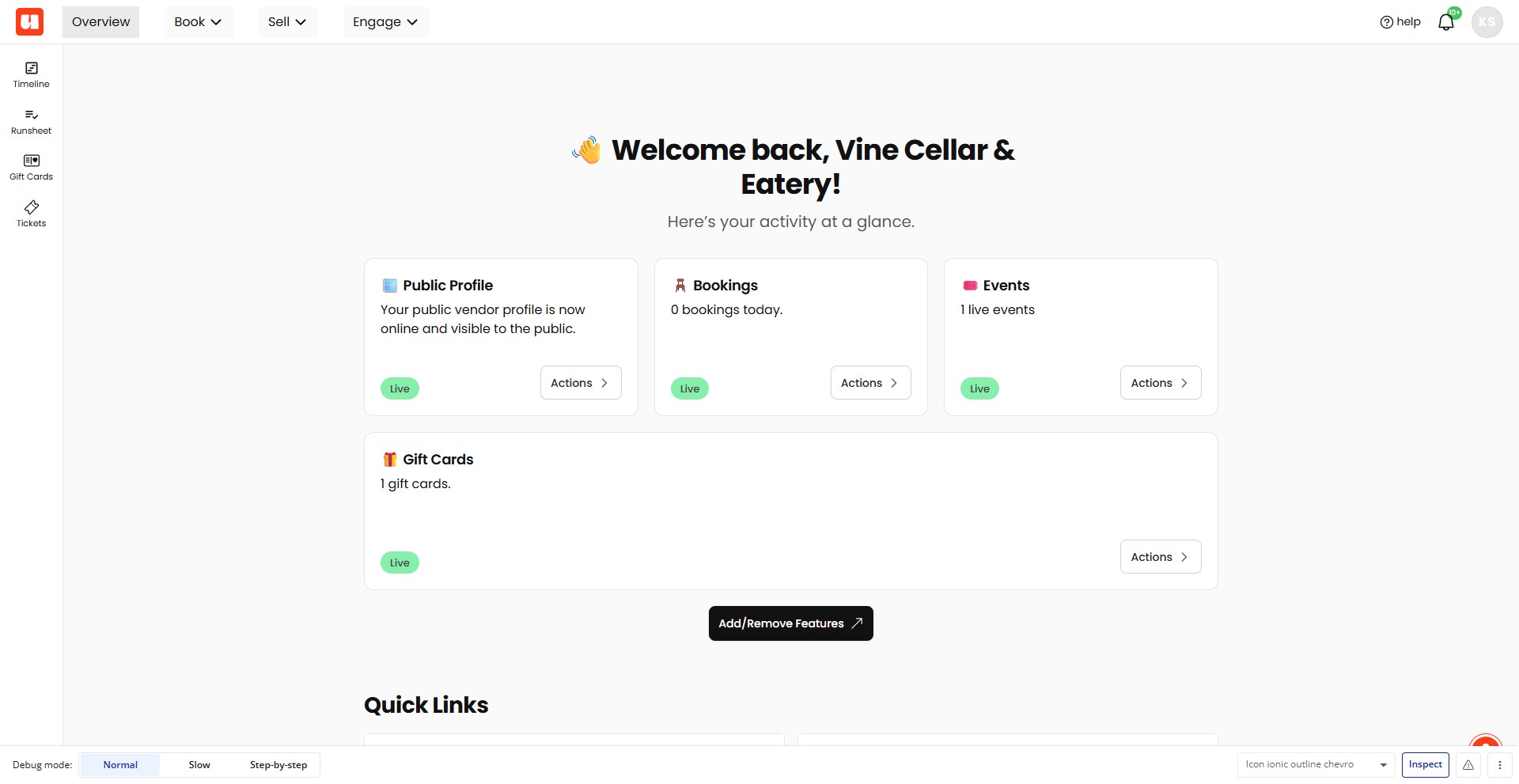
Click the Sell menu in the top navigation
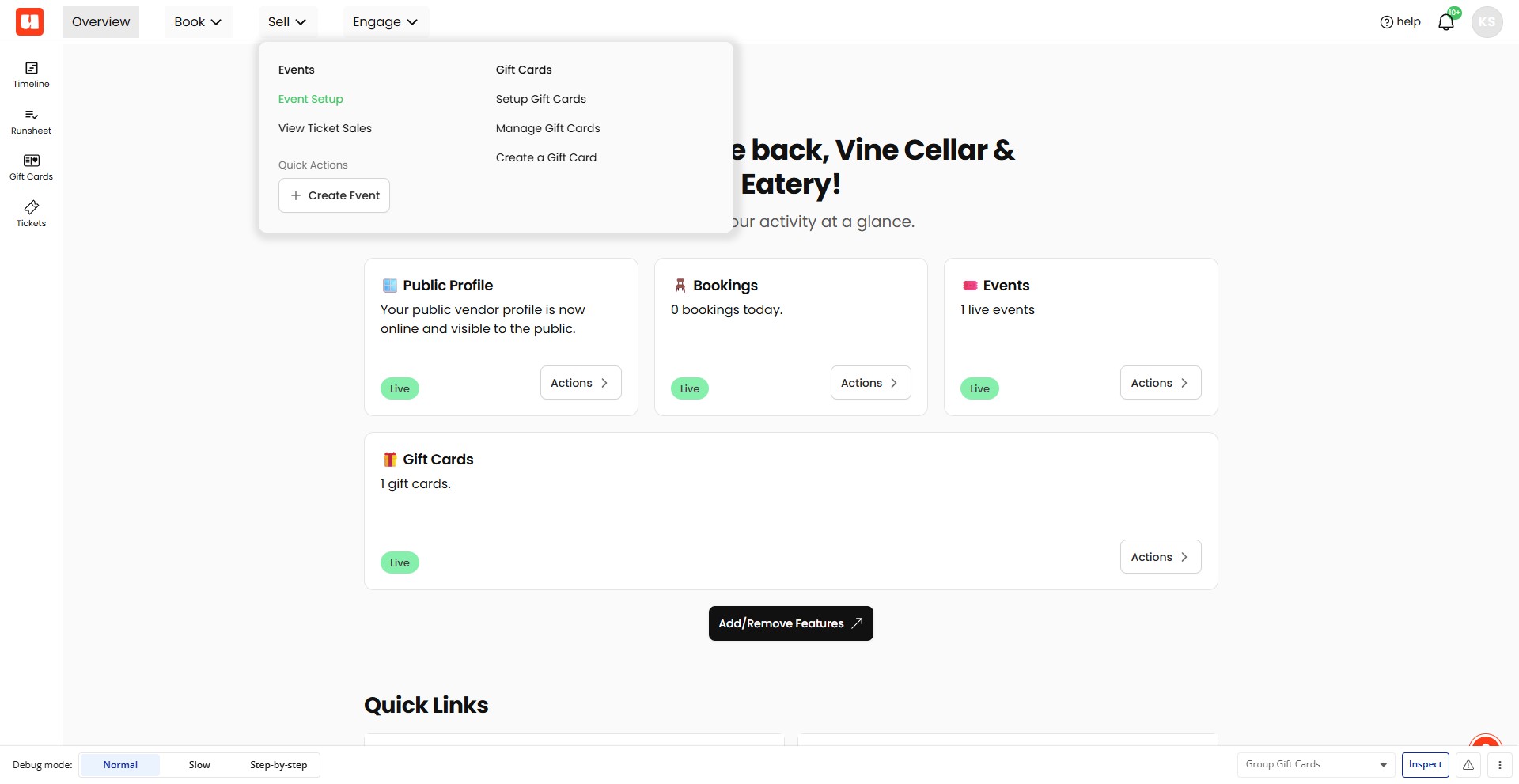
Select Event Setup from the Sell menu
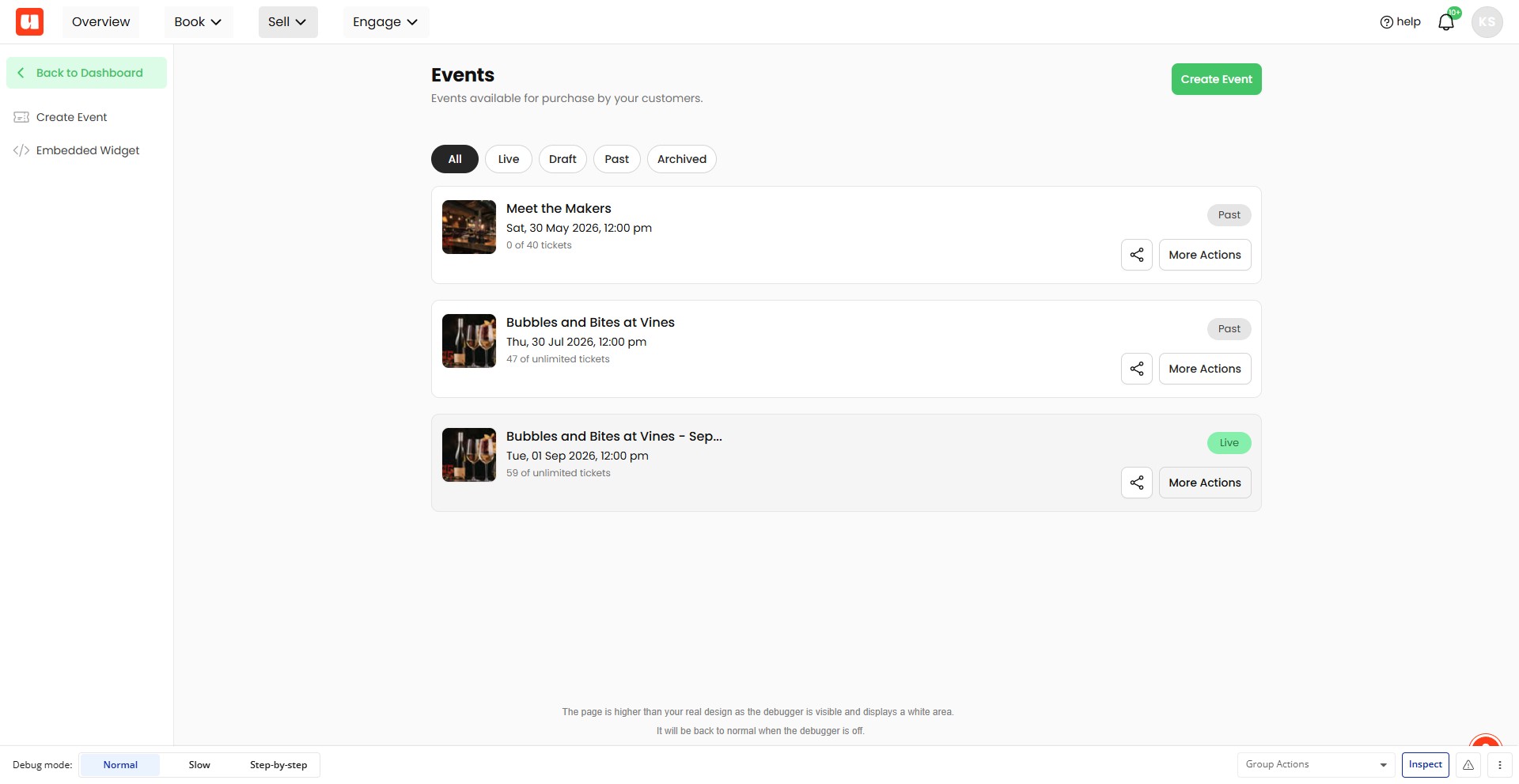
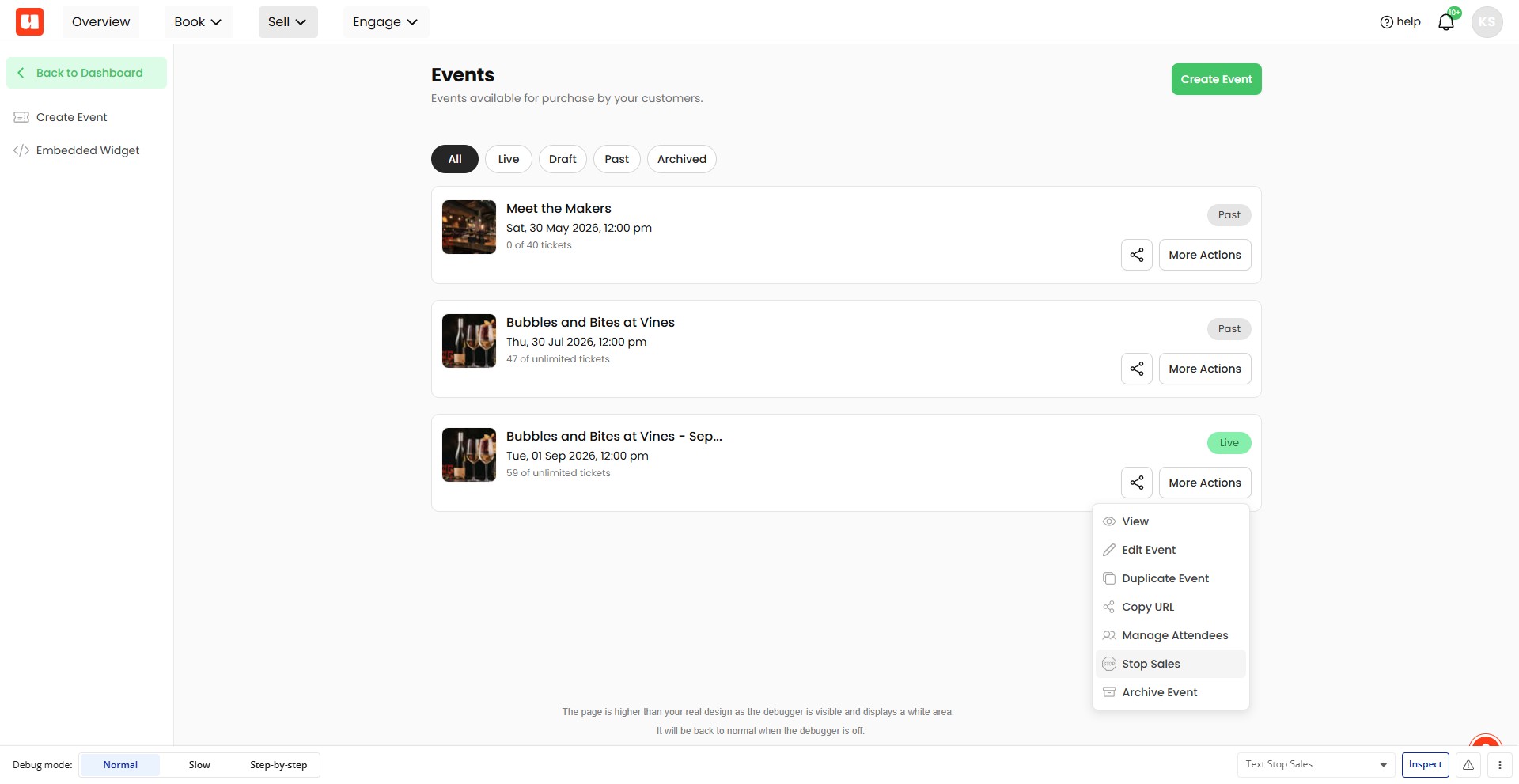
Click More Actions for your event. In this example we're stopping sales for our Bubbles and Bites at Vines – September event
Choose Stop Sales from the event actions menu
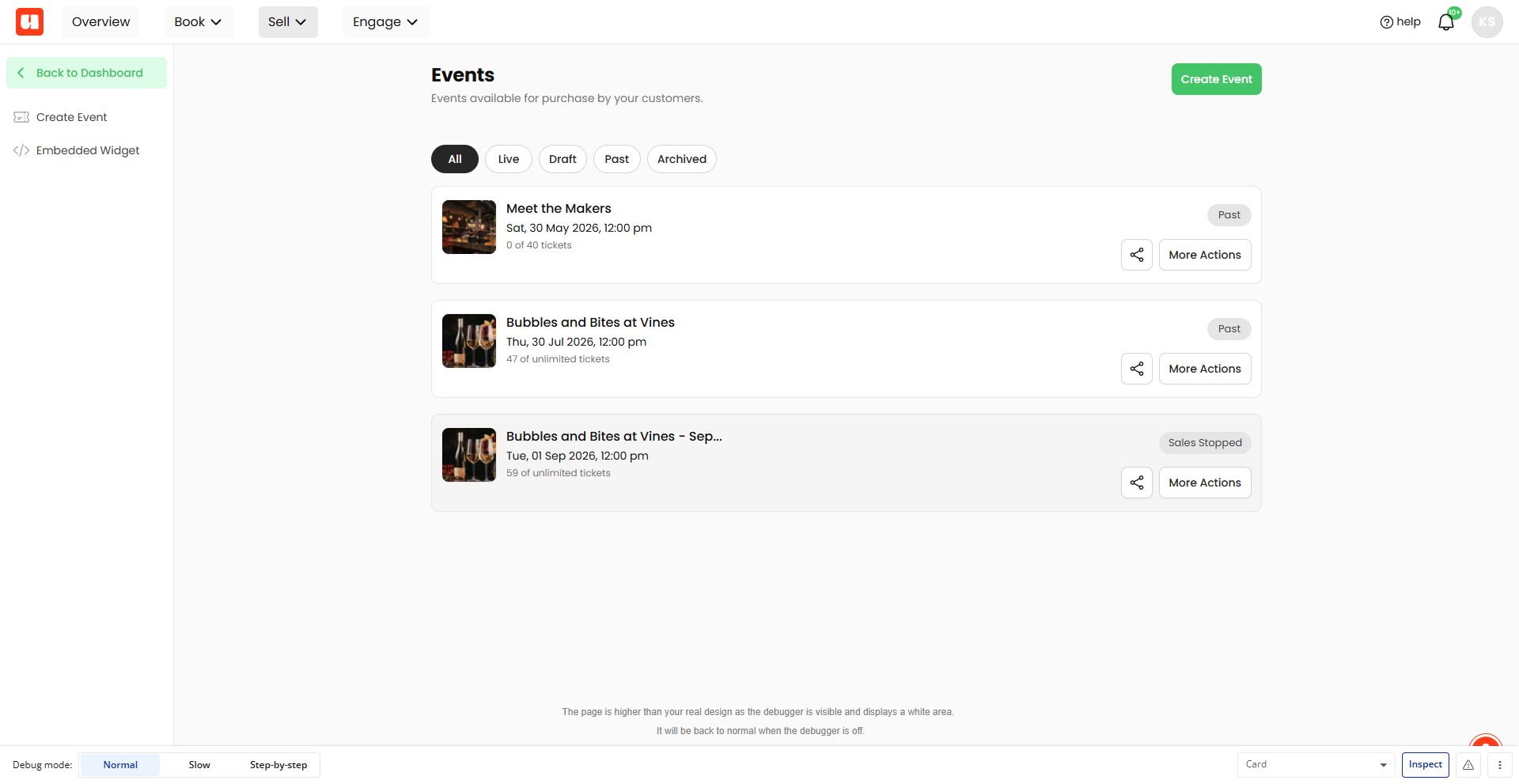
Your event card is marked Sales Stopped
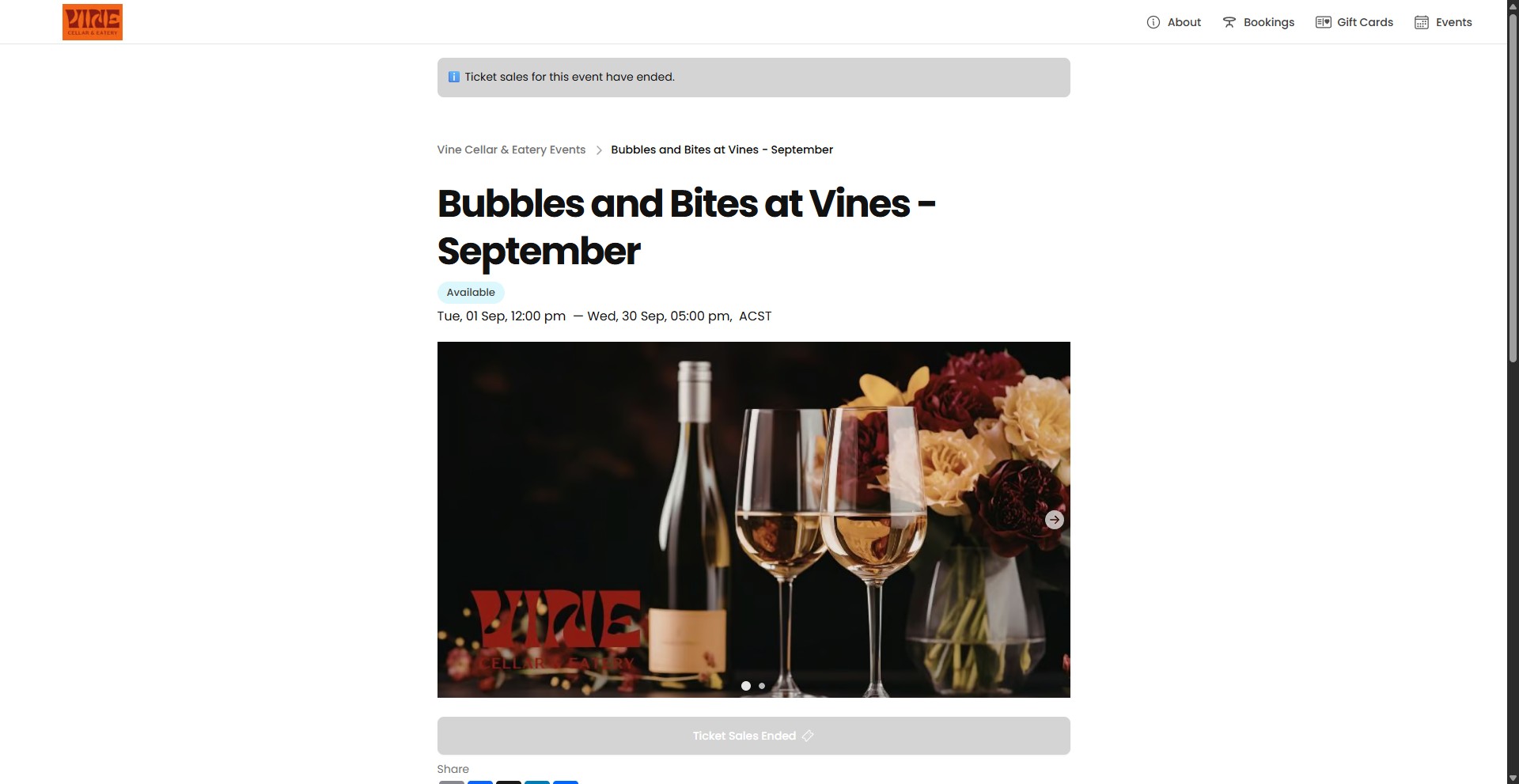
In your event listing, verify that the ℹ️ Ticket sales for this event have ended. notice is displayed.
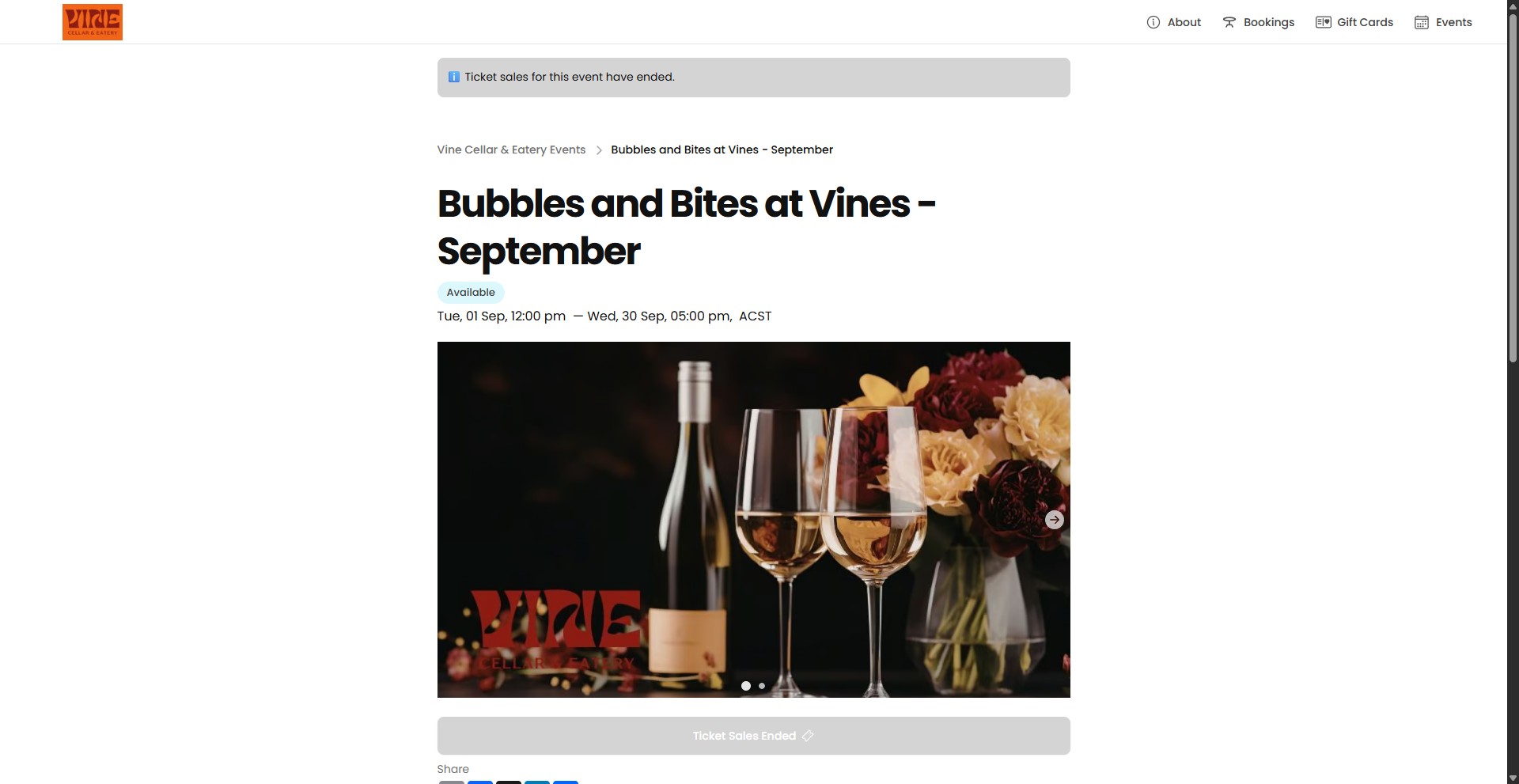
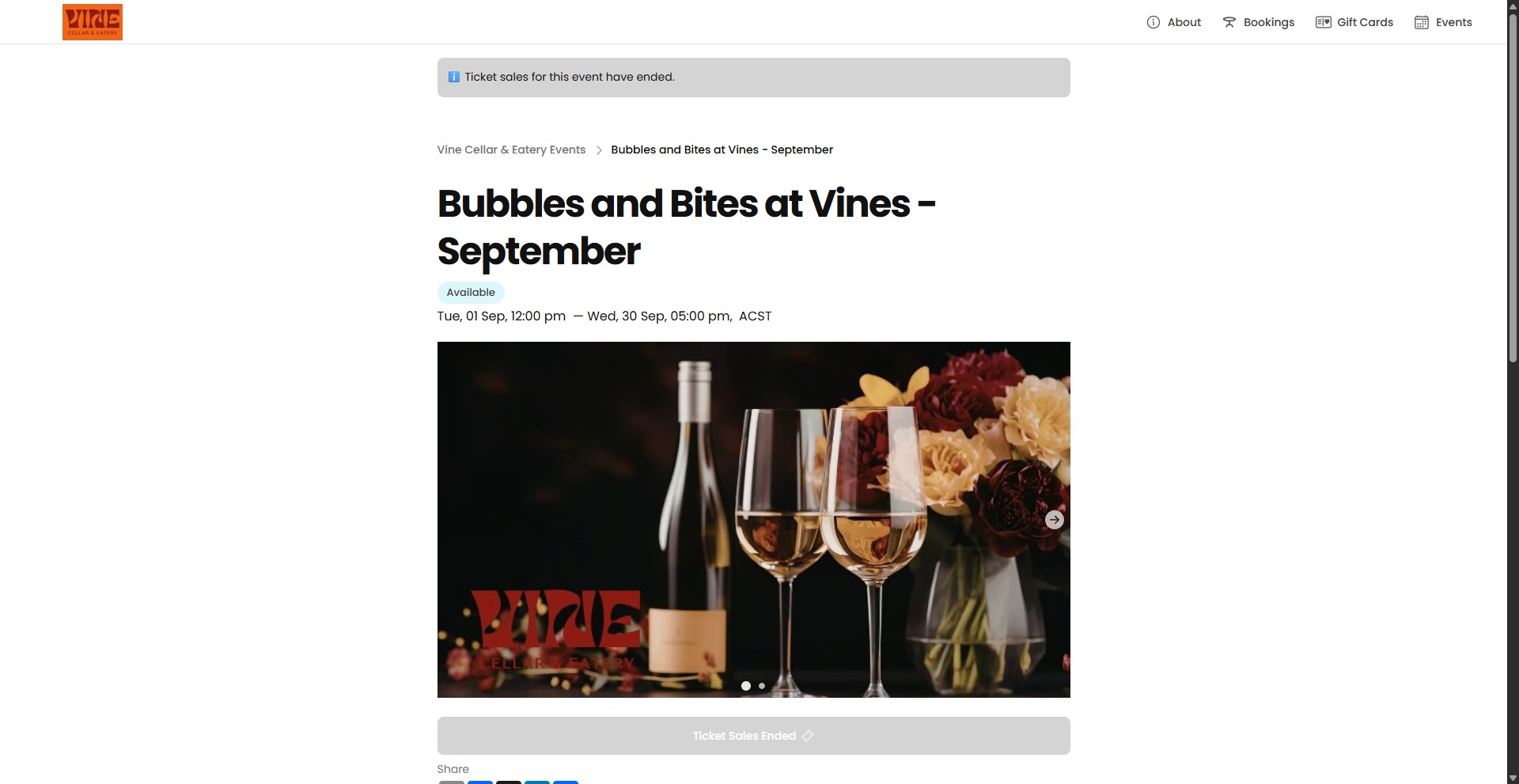
And that the Ticket Sales Ended button is inactive
Done 🚀
Frequently Asked Questions
- What happens after I choose **Stop Sales**?
The event card is marked Sales Stopped, and the event listing displays the notice ℹ️ Ticket sales for this event have ended.
- How can I verify that ticket sales have ended?
Check the event listing for the ℹ️ Ticket sales for this event have ended. notice and confirm that the Ticket Sales Ended button is inactive.
- Can I stop sales for a specific event?
Yes. Open the event’s actions menu and choose Stop Sales for the event you want to close to ticket sales.