Creating Your Account
Step-by-step guide to sign-up and initial profile setup.
How to create a Usefull Account
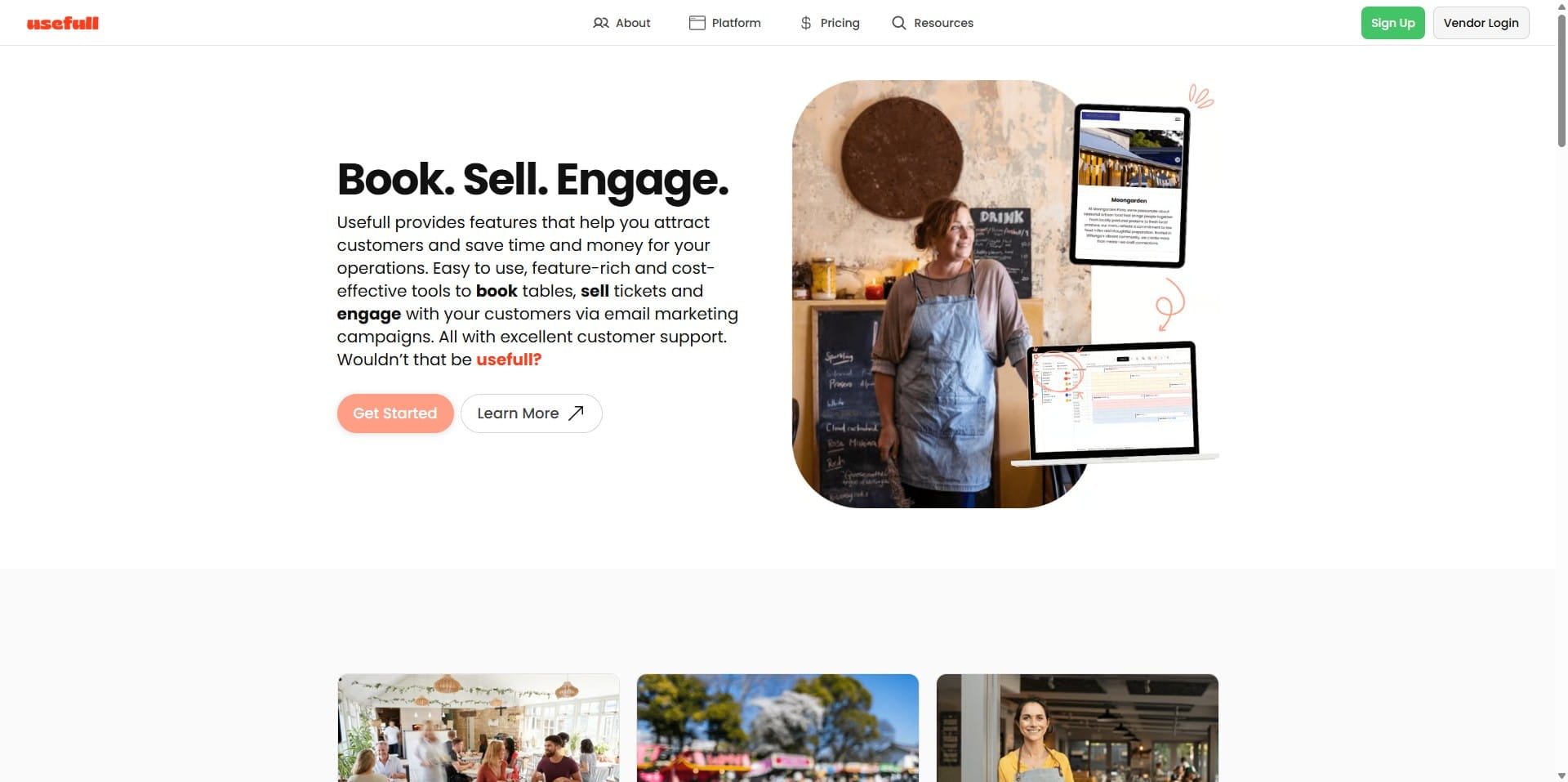
Click on "Vendor Login"
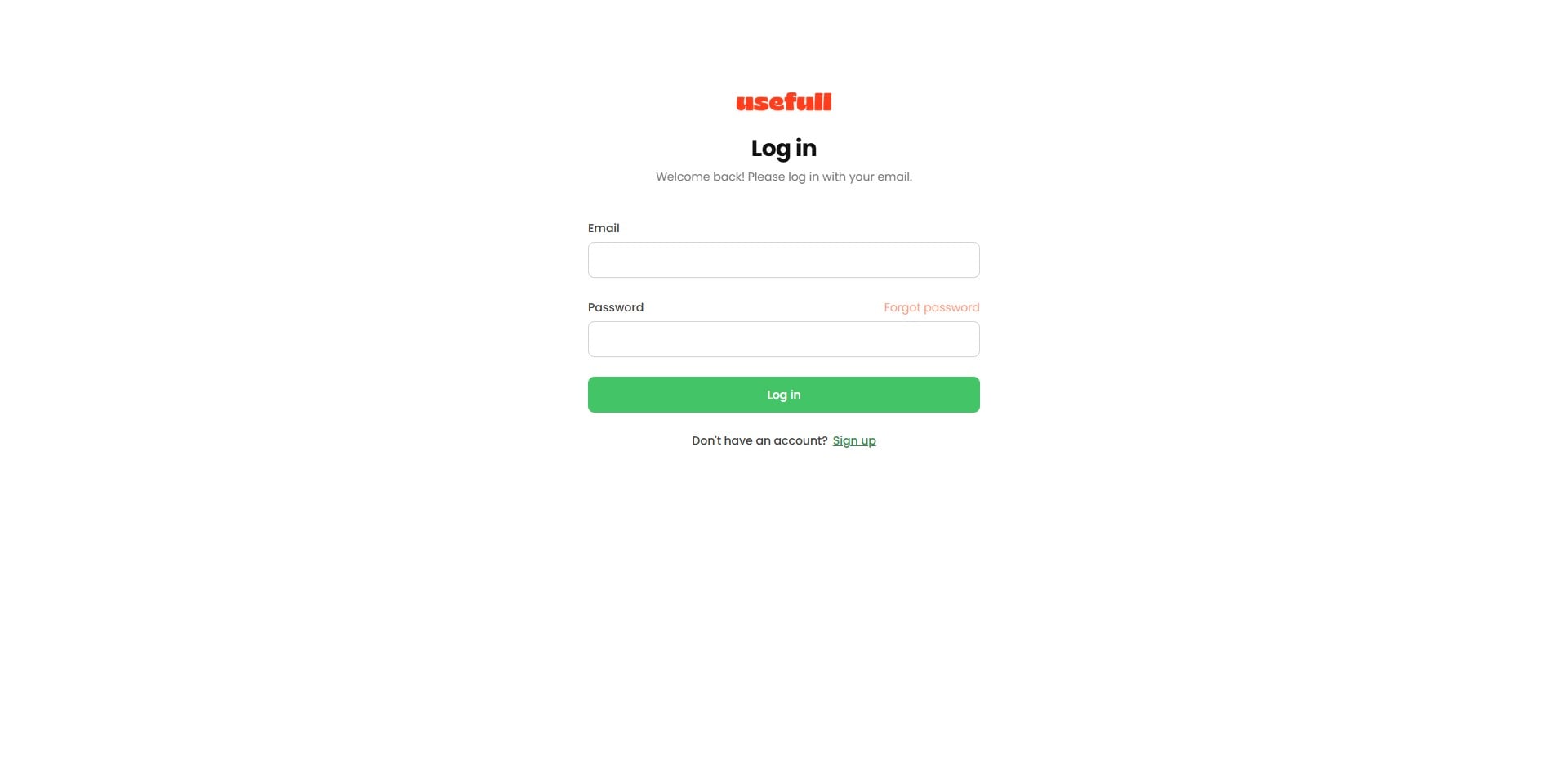
Because we're creating a new account click the Signup link at the bottom of the screen.
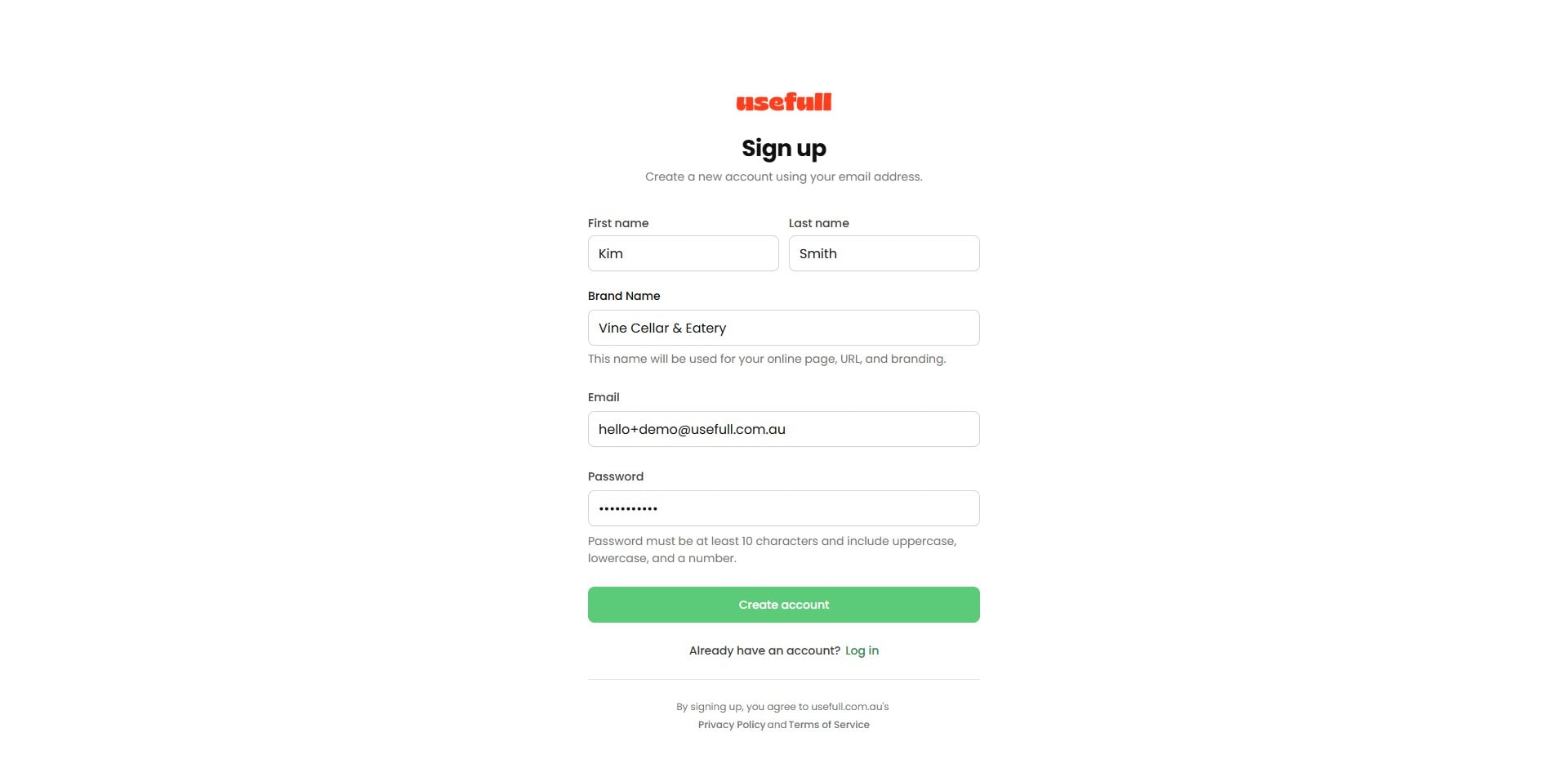
Add your email address and other credentials and click "Create account"
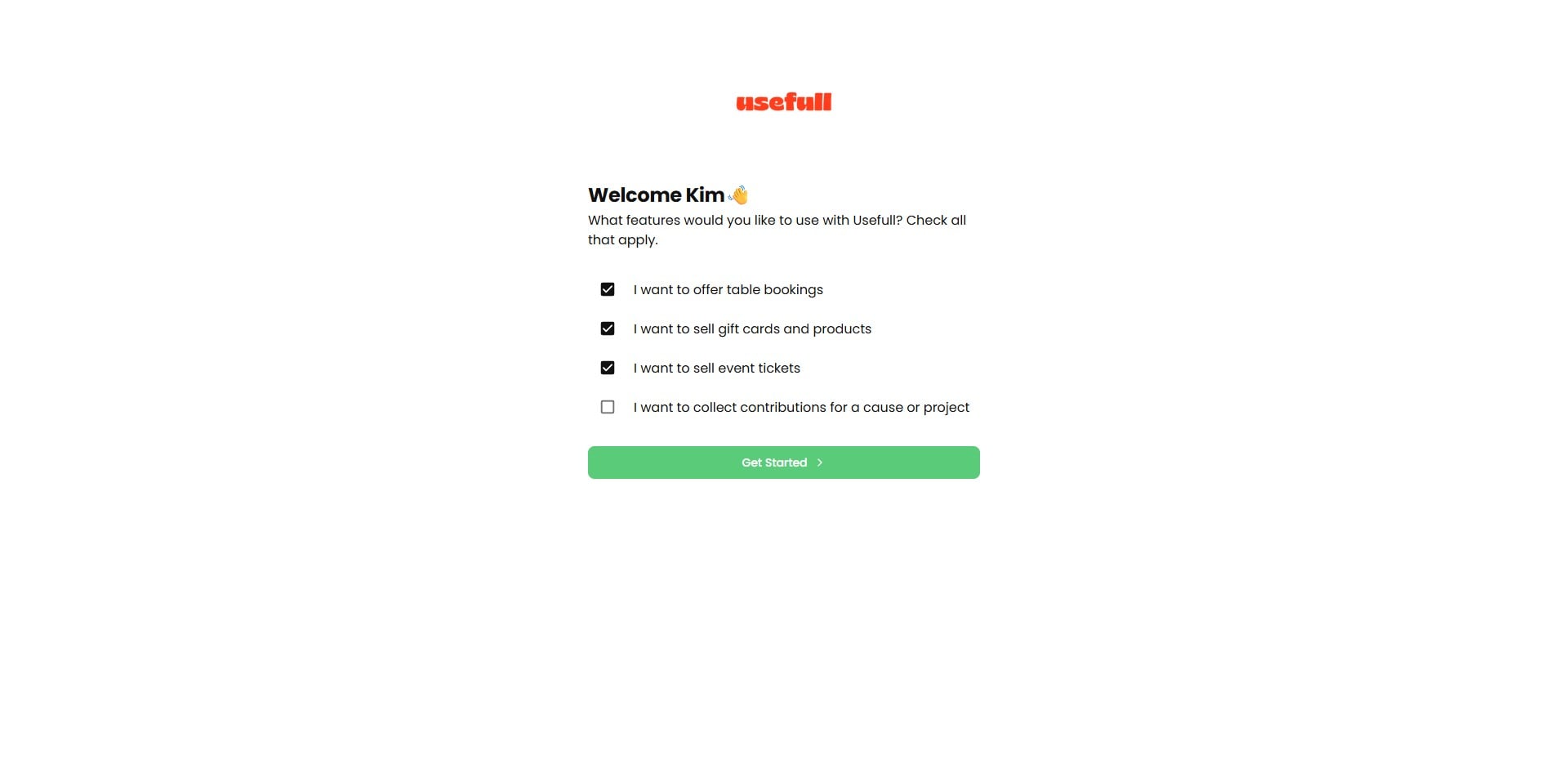
Now, choose the features you want to use with Usefull. This will help set up your dashboard with what you need. Don’t worry, you can change them anytime. Click Get Started to begin.
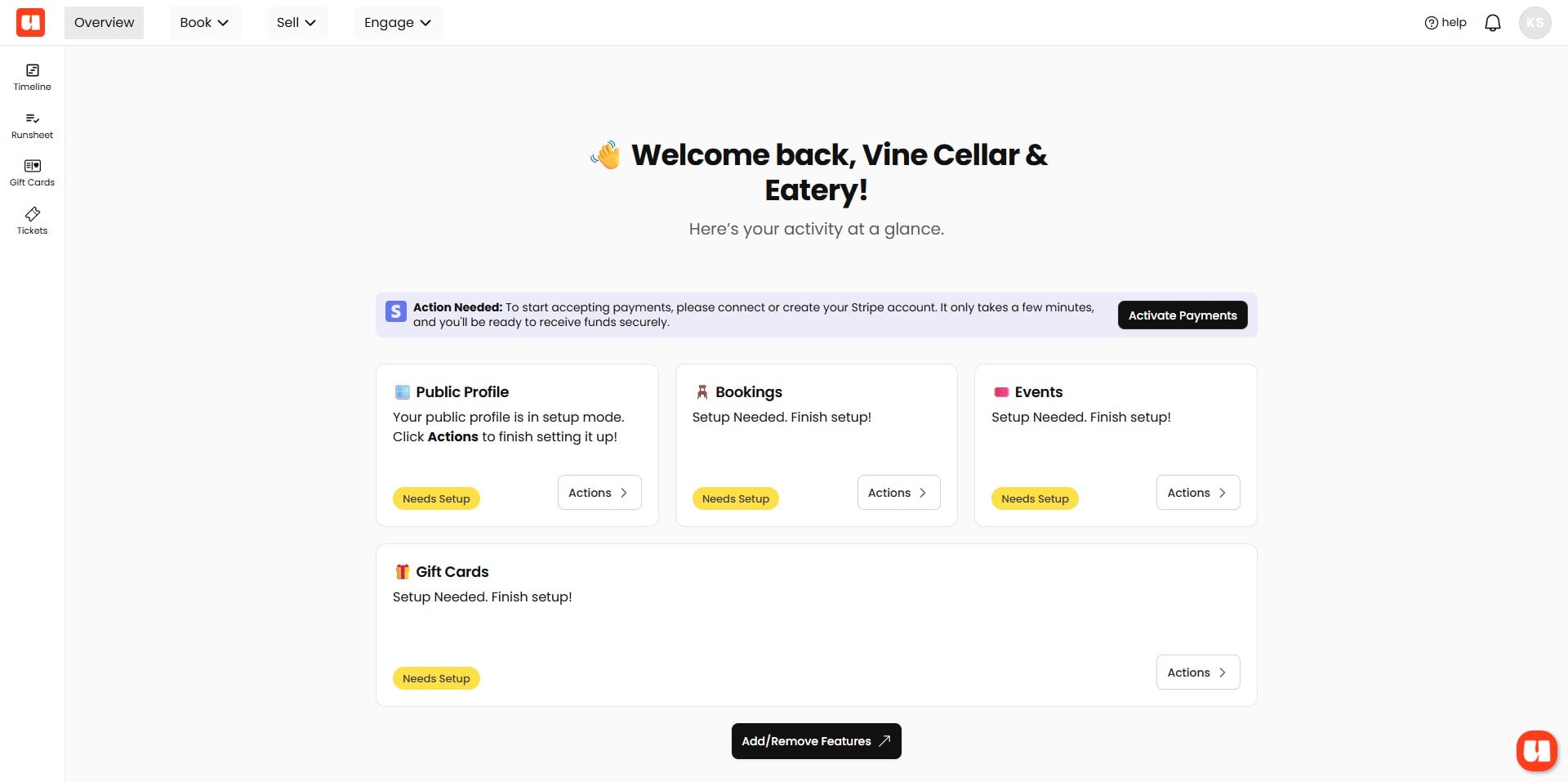
Your 'usefull' Dashboard
Now, let's quickly look at your Usefull dashboard. The options you see depend on the choices you made when signing up.
Welcome to your Usefull dashboard. This is where you access all the features you selected. Before going live, you’ll need to set up these areas. You can check their status here and click ‘actions’ in each section to get started.
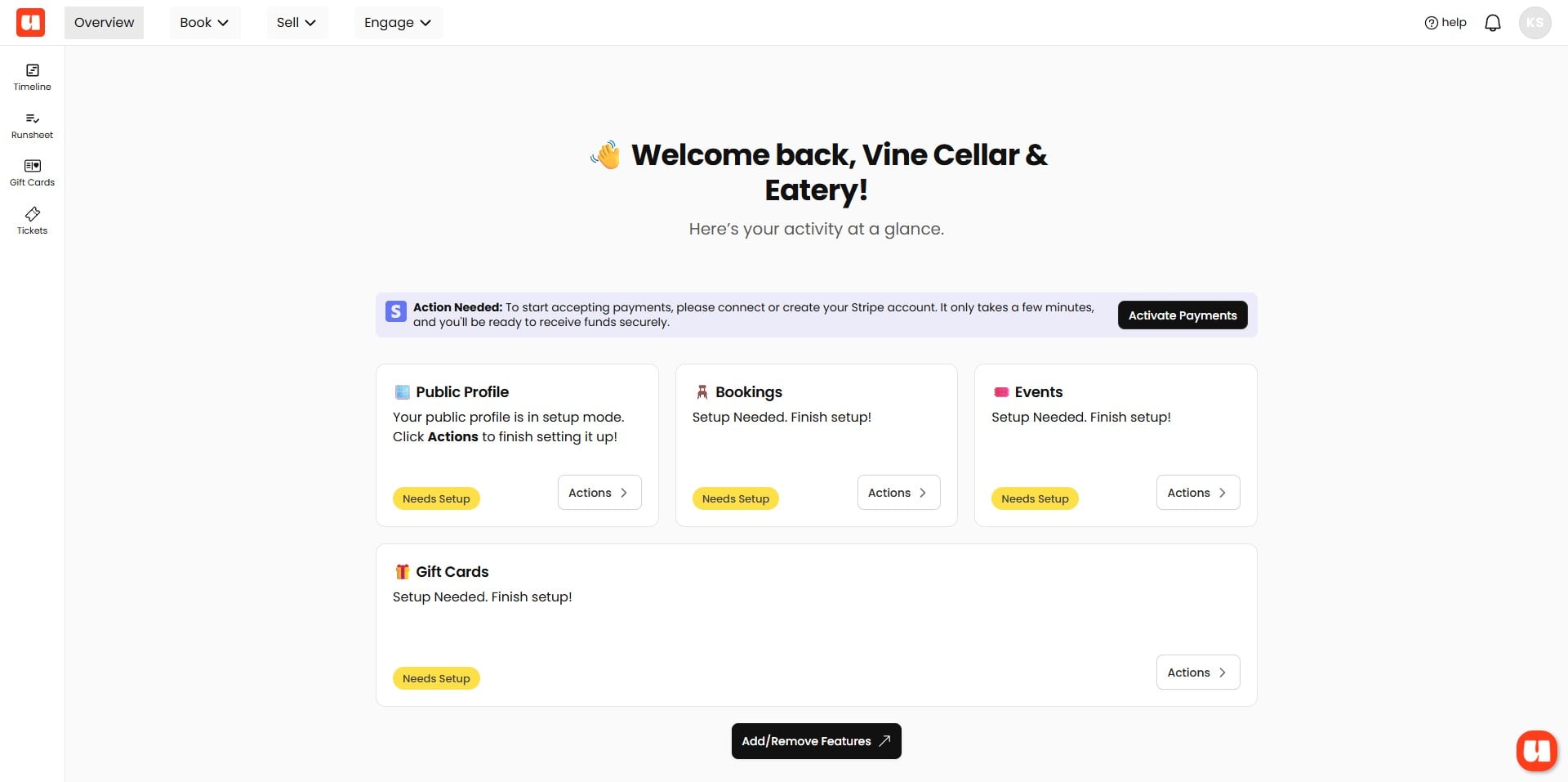
If you want to turn any of these features on or off, you can do that here
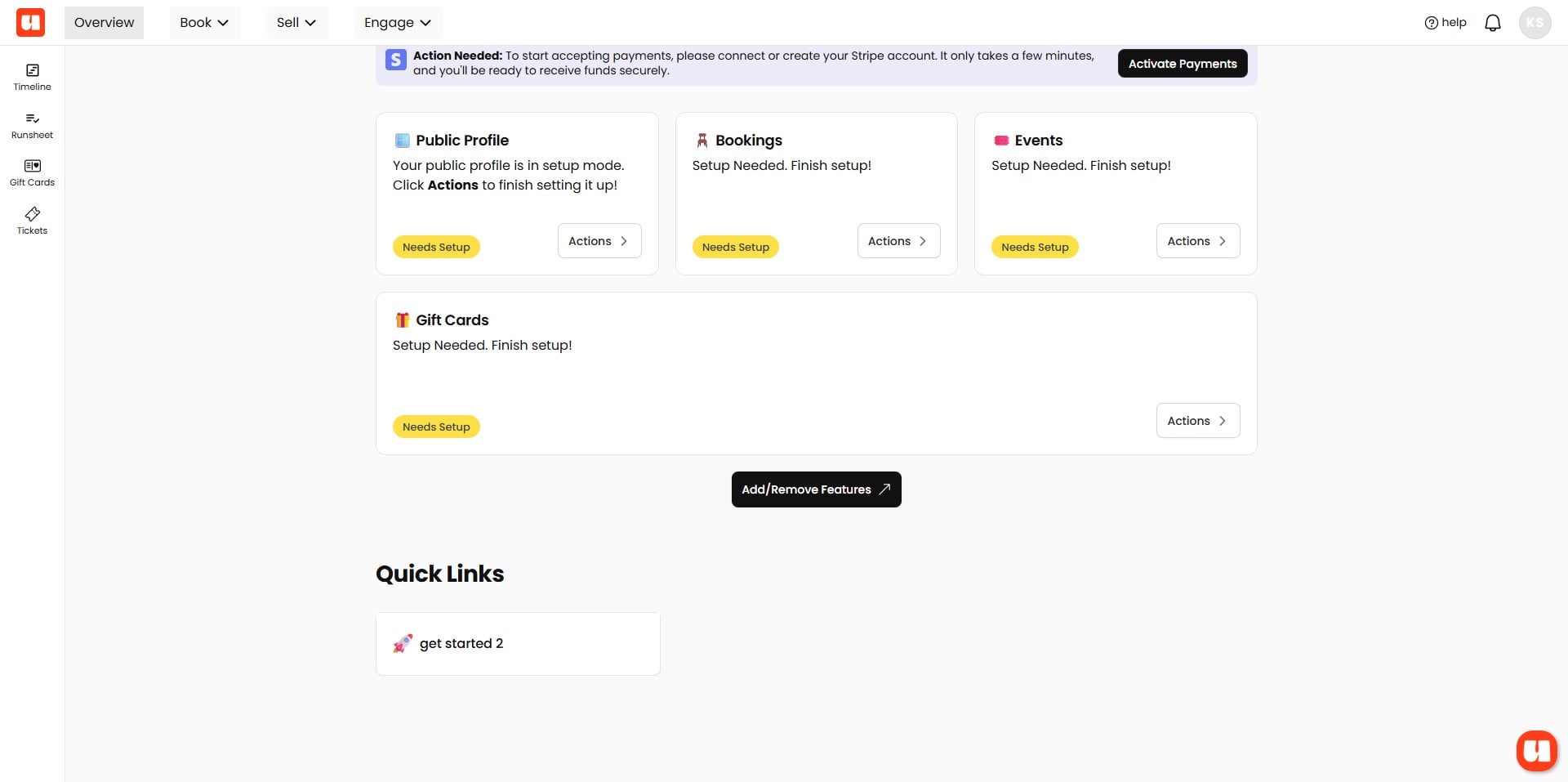
In the top navigation, you can access all parts of your dashboard, with Book for bookings, Sell for events and gift cards, and Engage for customer lists and email marketing.
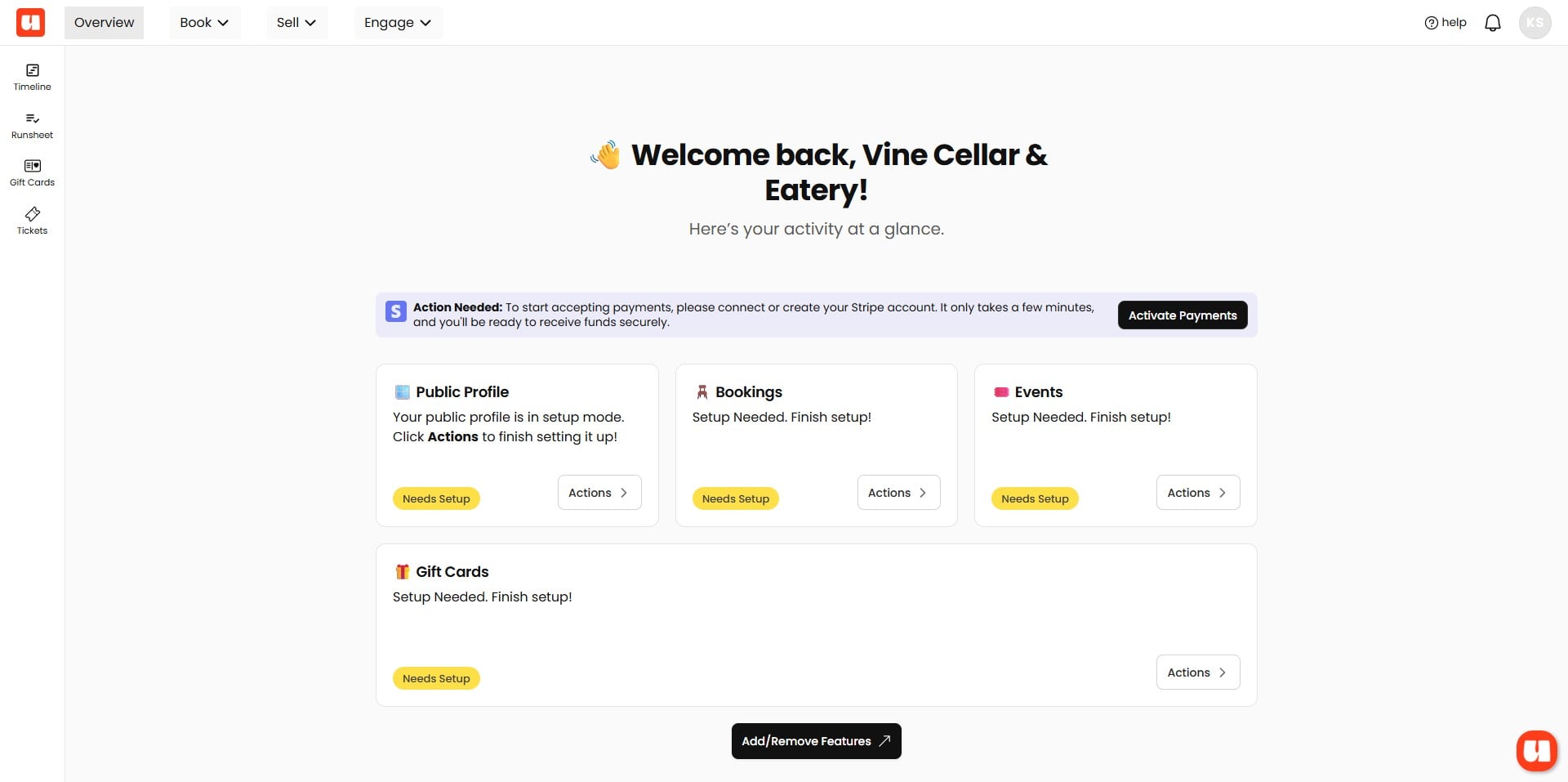
Help is always available in your bottom right of your screen.